
How to use Handled
Search, or pick a topic.
Try a word from the screen, like , , or .
Search results
No videos match that yet.
Try a different word, or pick a topic below. Nothing’s too small to ask: write to us.
Topics
Getting started 9
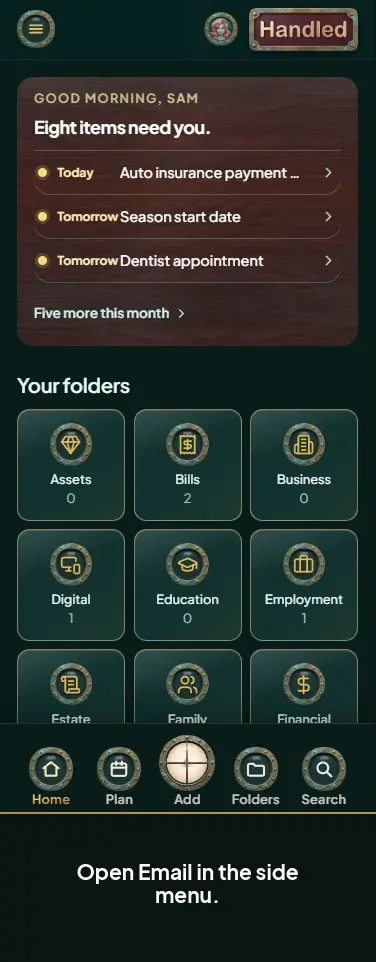
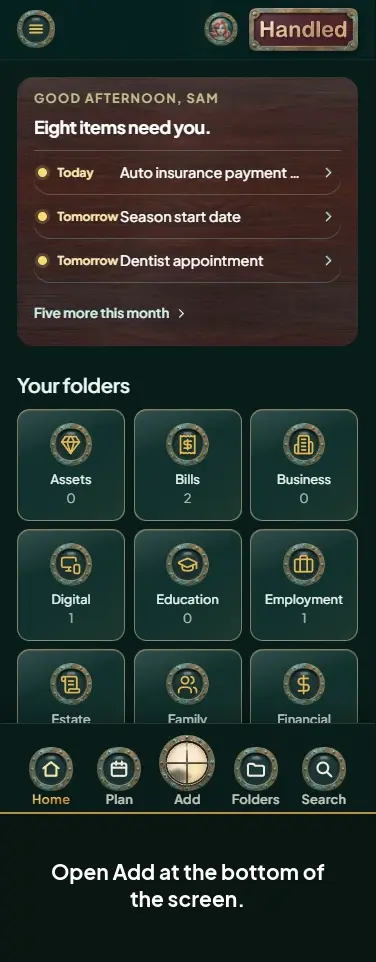
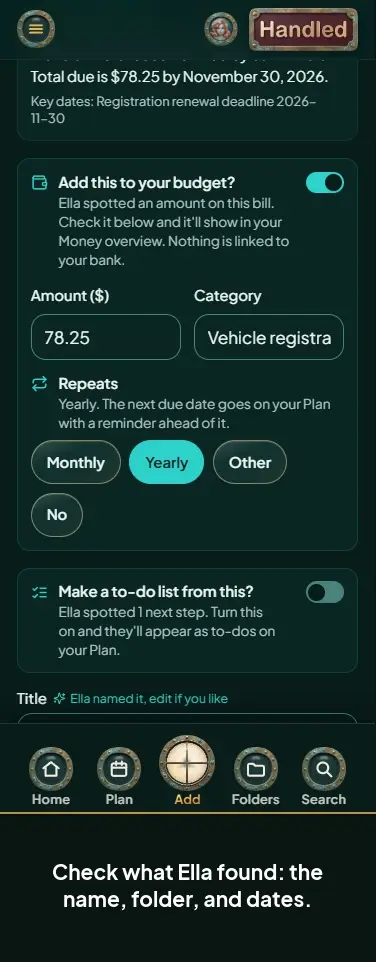
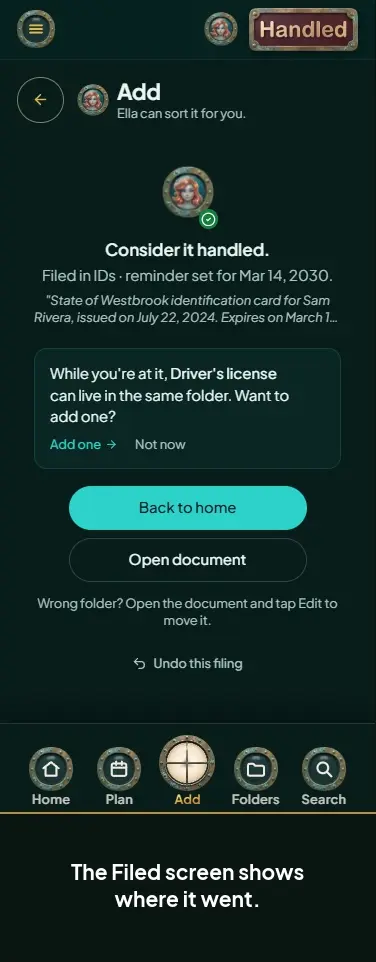
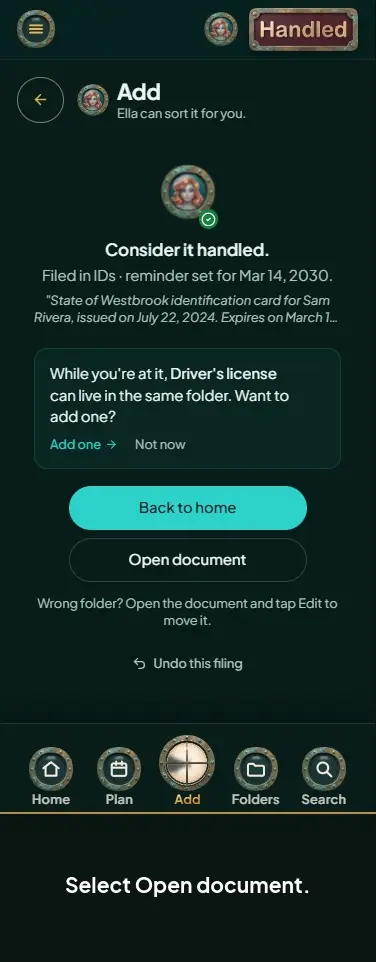
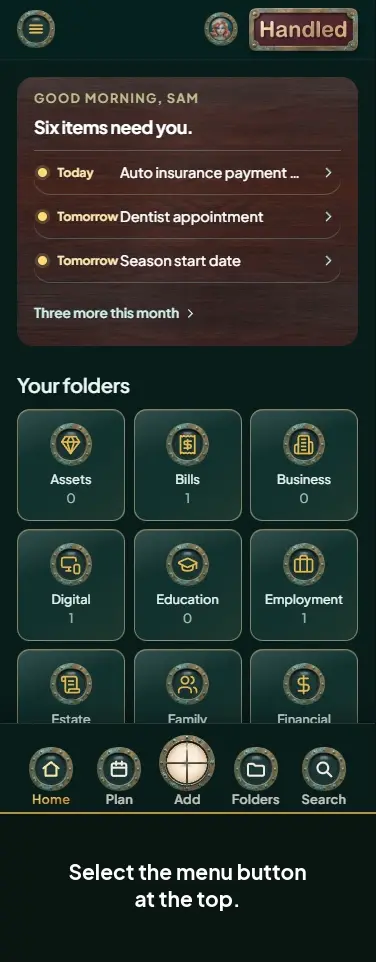
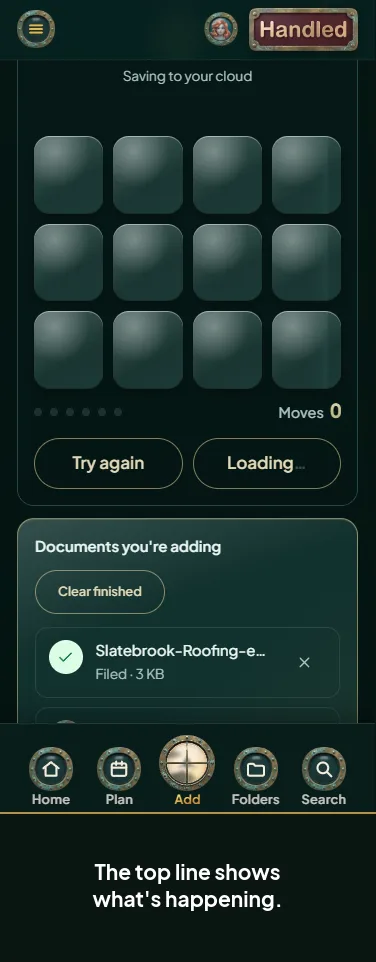
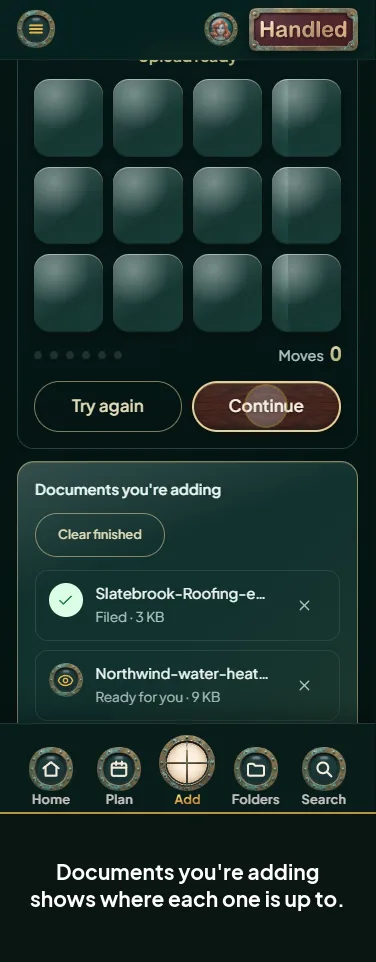
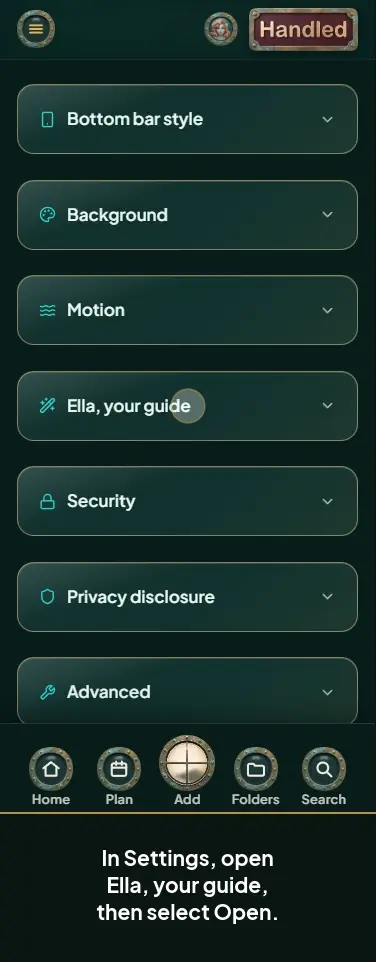
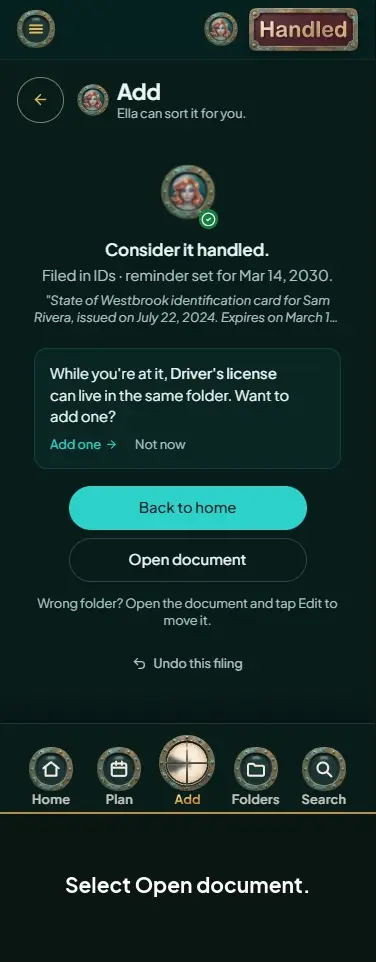
Adding and filing documents 26
-
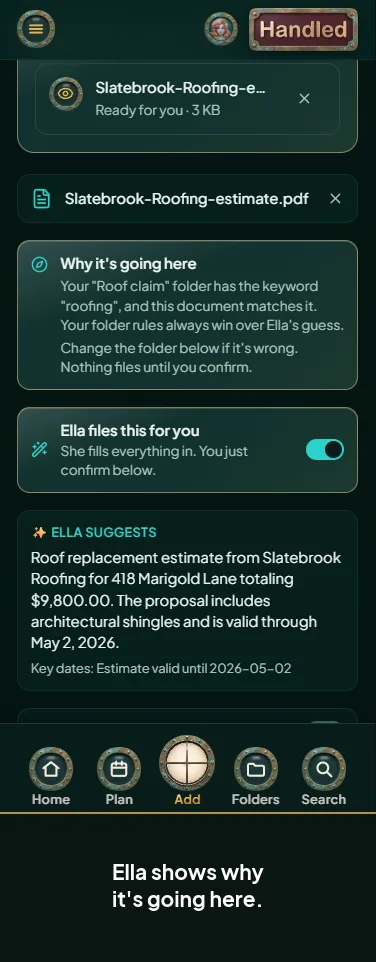 Confirm what Ella picked
-
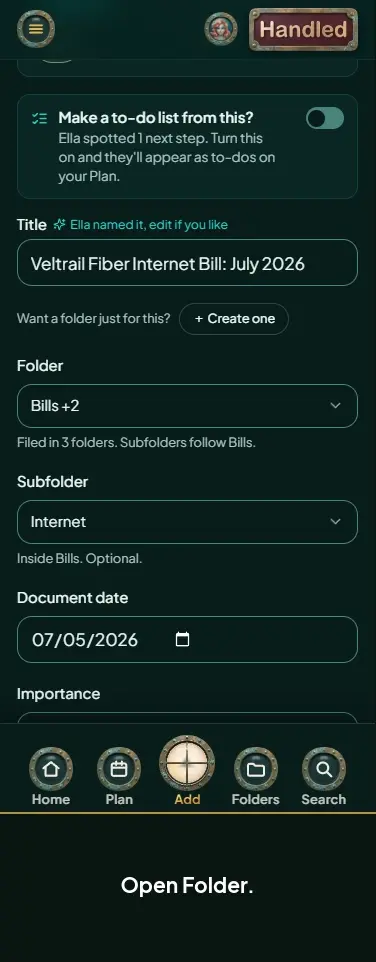 Change the folder Ella picked
-
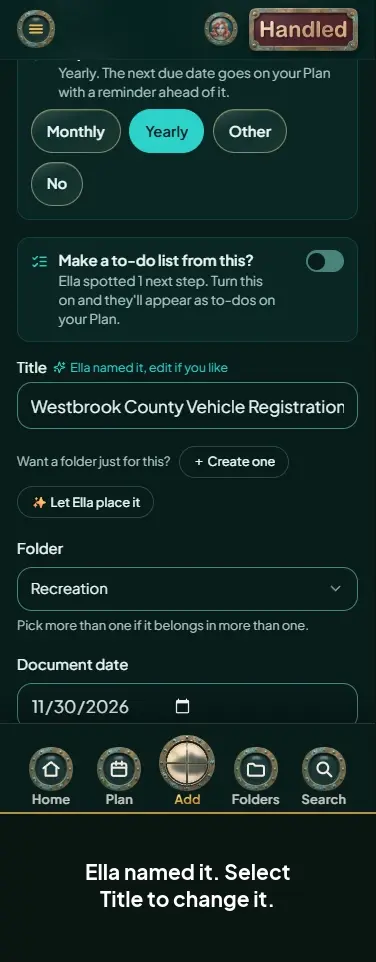 Rename a document before you file it
-
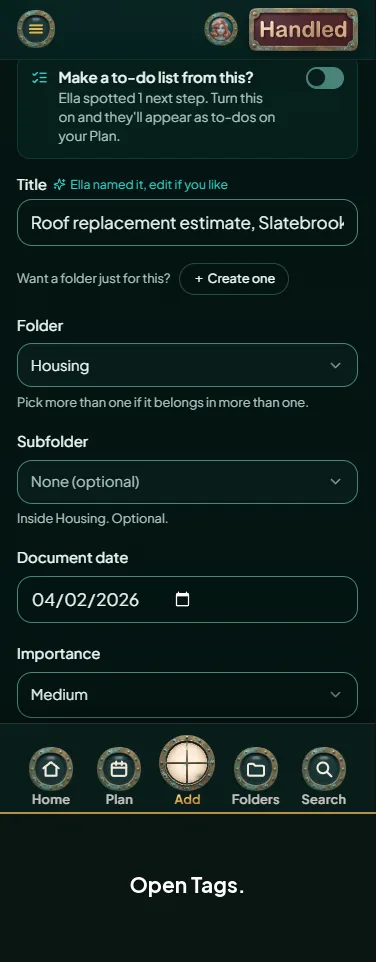 Add tags while you file
-
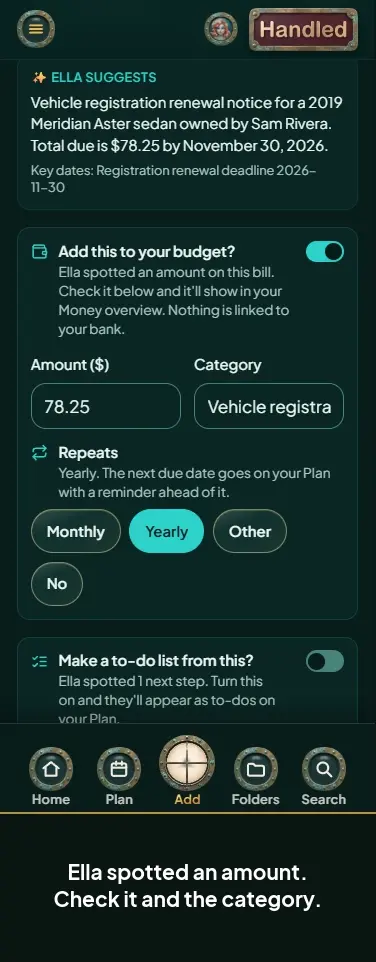 Add a receipt or bill to your budget while you file
-
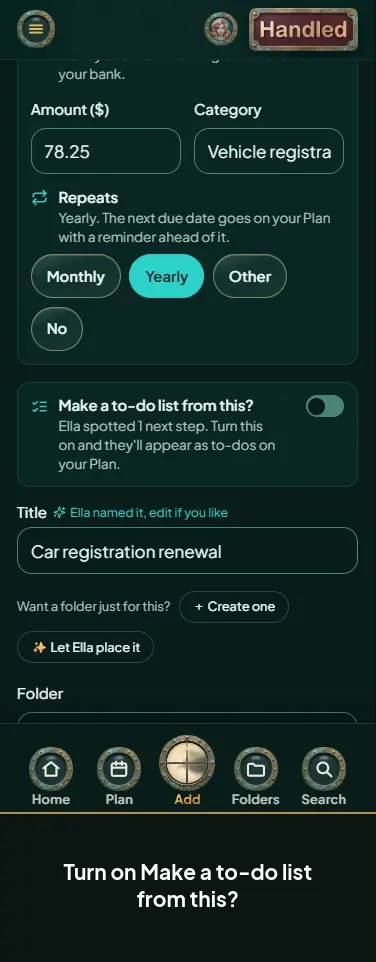 Turn Ella's next steps into to-dos
-
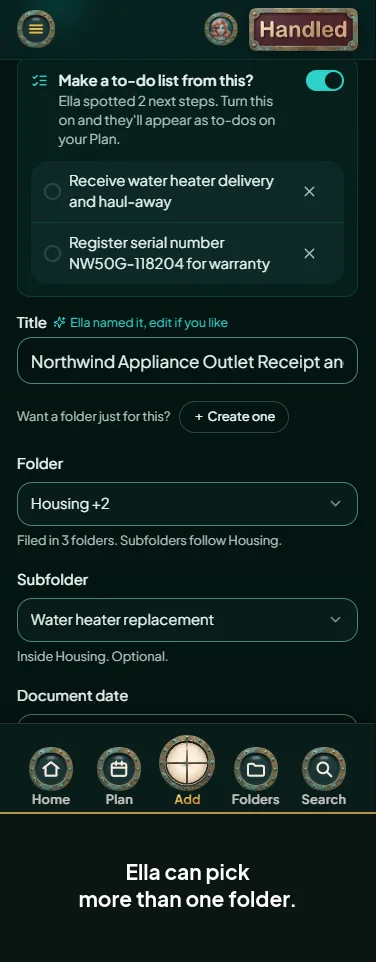 File a document in more than one folder
-
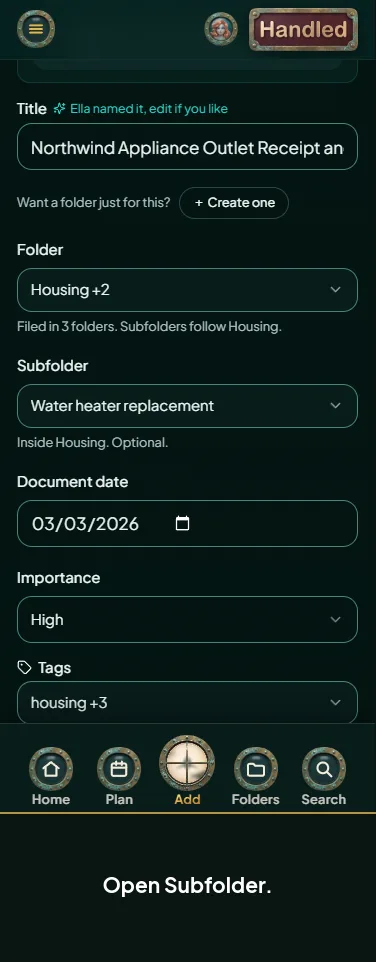 Pick a subfolder
-
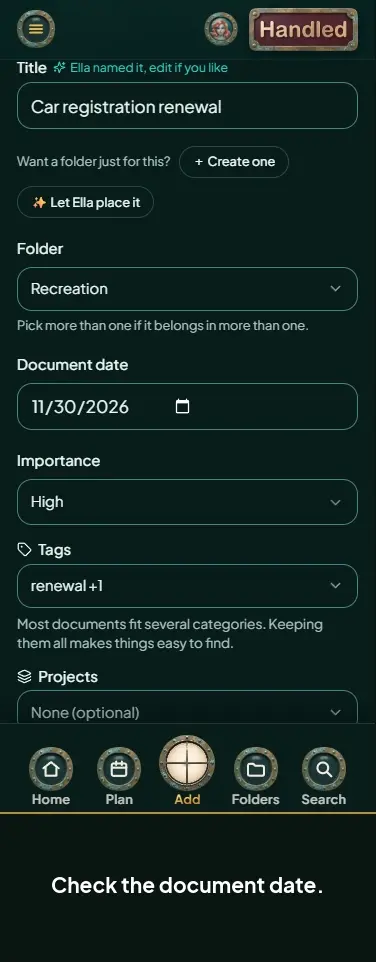 Set a document's date and importance
-
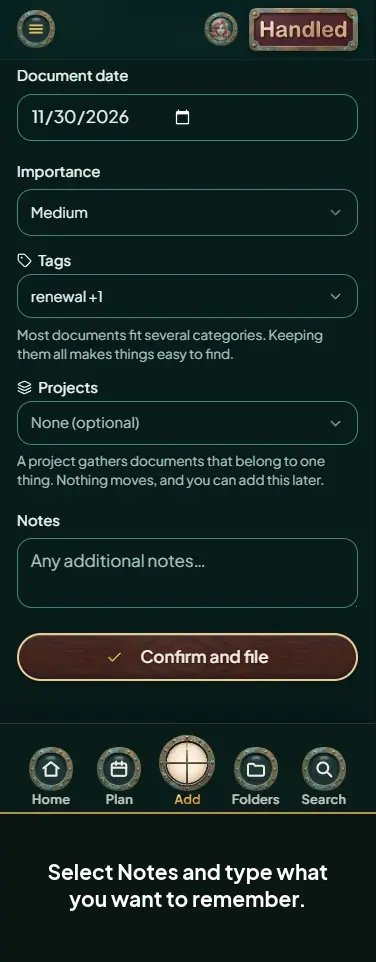 Add notes before you file
-
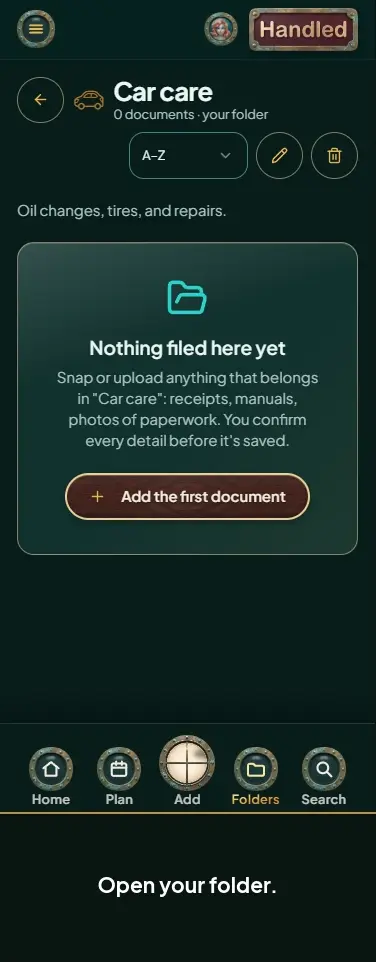 Add a document into one of your own folders
-
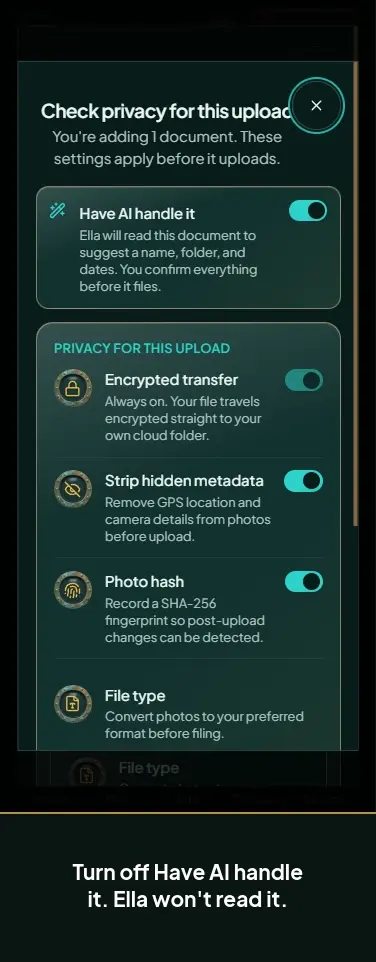 File a document without Ella reading it
-
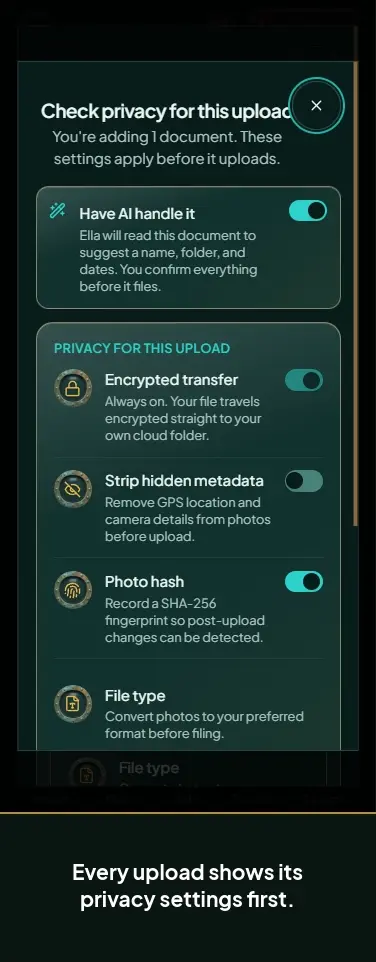 Check privacy settings before a document uploads
-
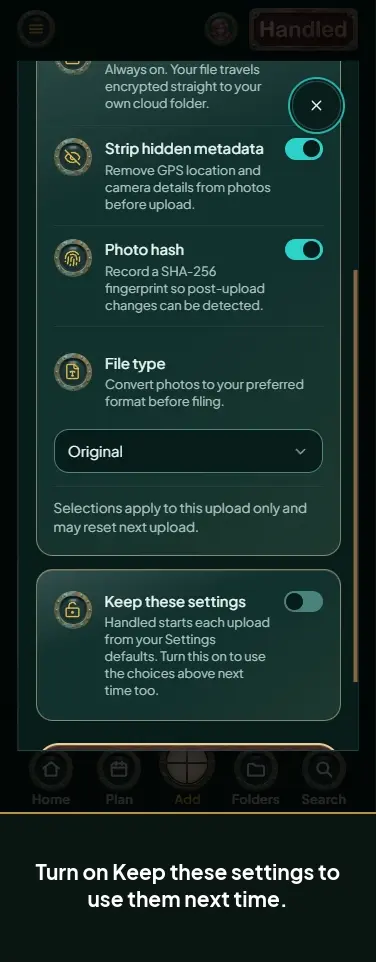 Keep your upload settings for next time
-
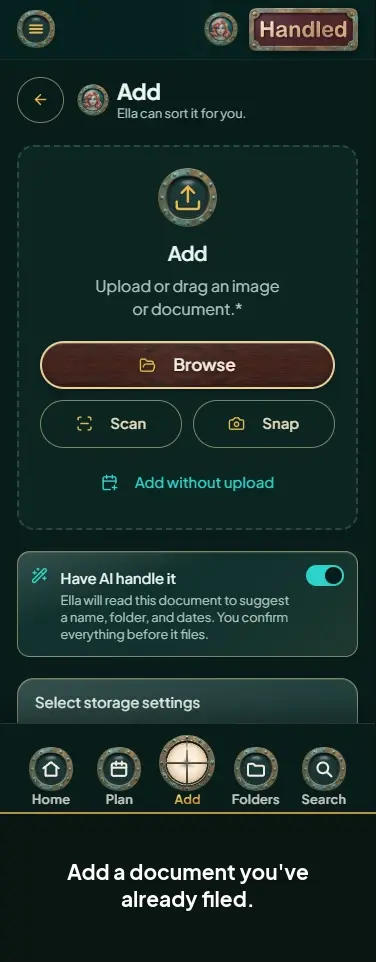 Decide what to do with a duplicate
-
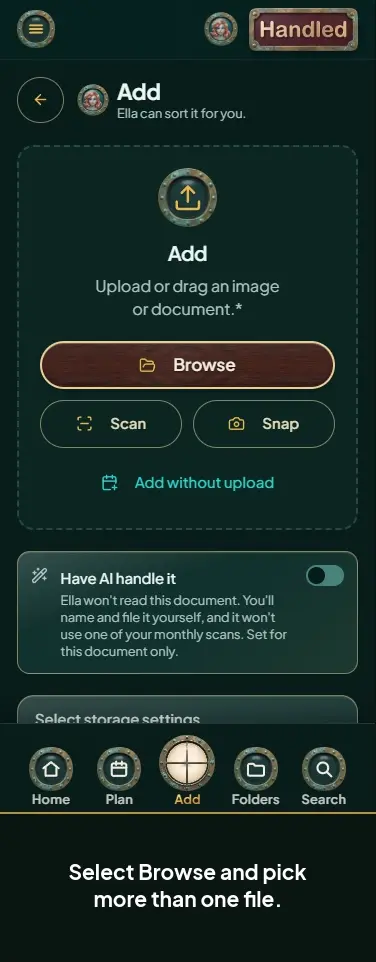 Send a batch of documents to one folder
-
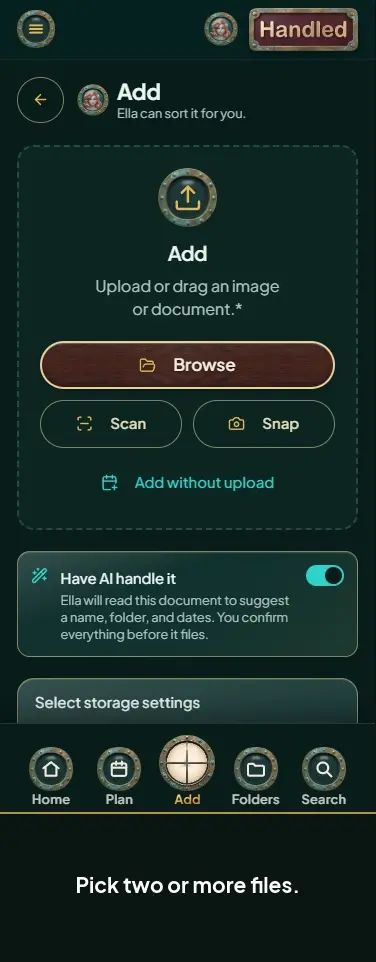 Combine several files into one document
-
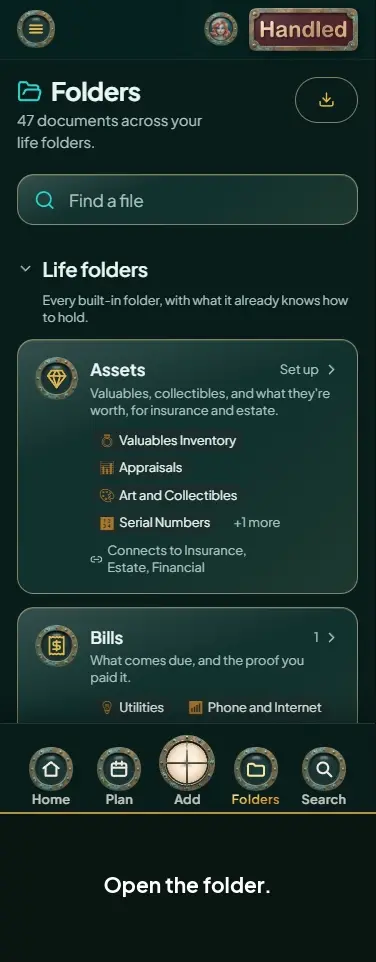 Add a document straight into a subfolder
-
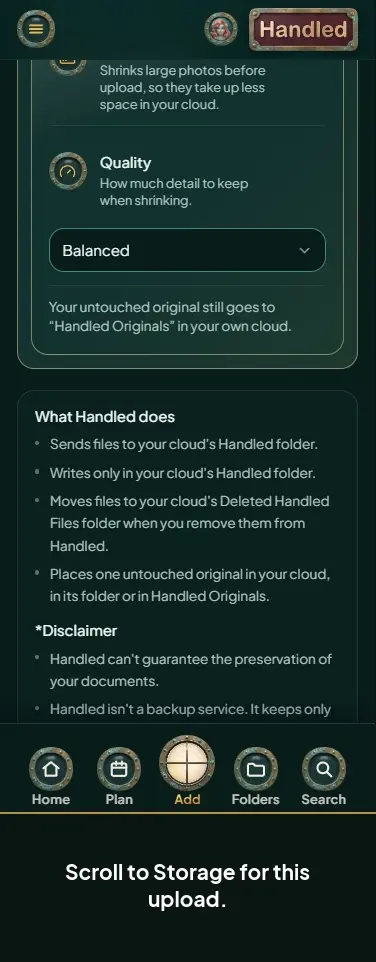 Choose storage saver for one upload
-
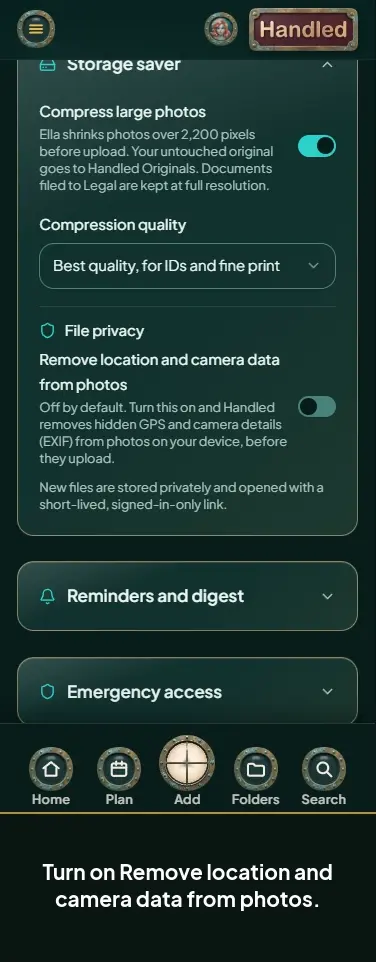
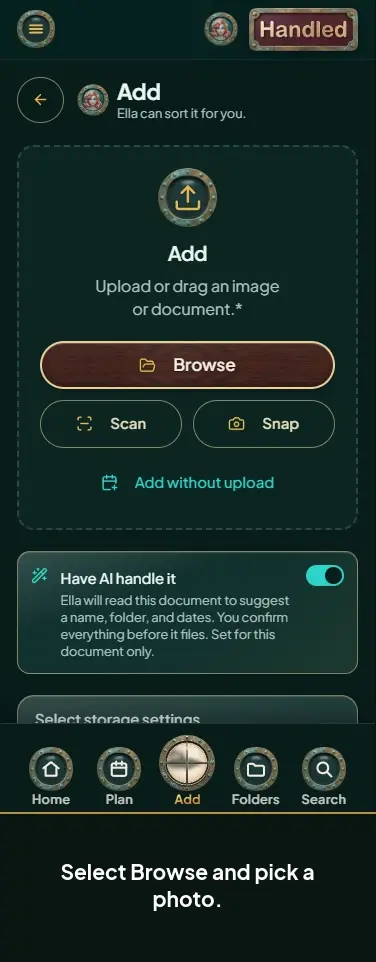 Choose privacy options for a photo
-
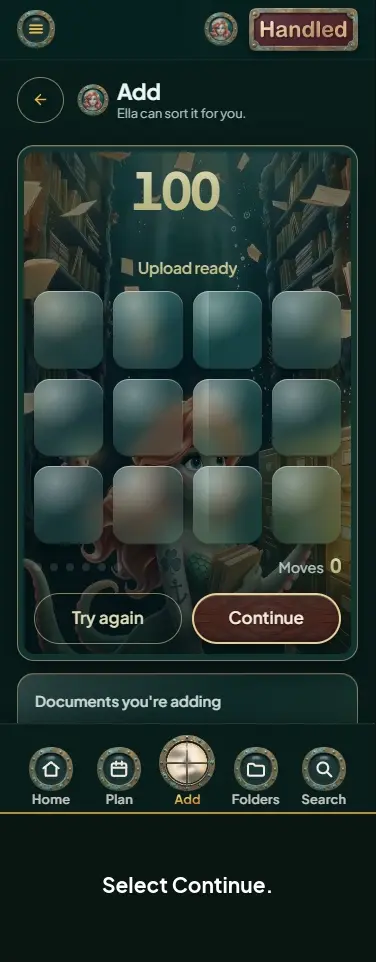 File a document Ella couldn't read
-
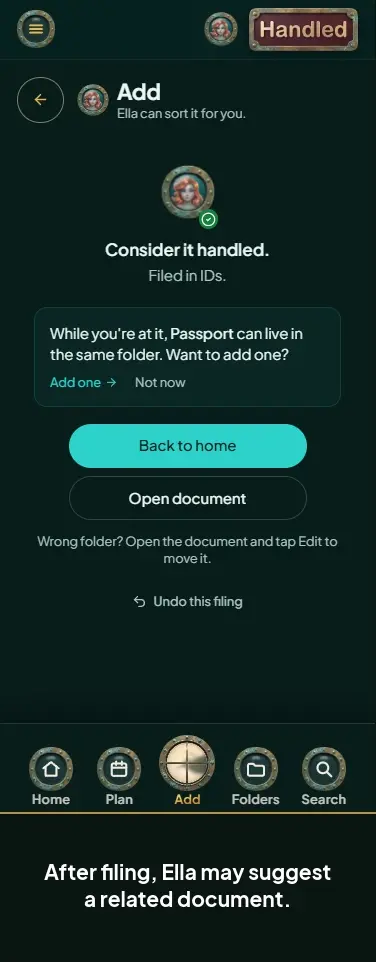 Skip a suggestion after filing
-
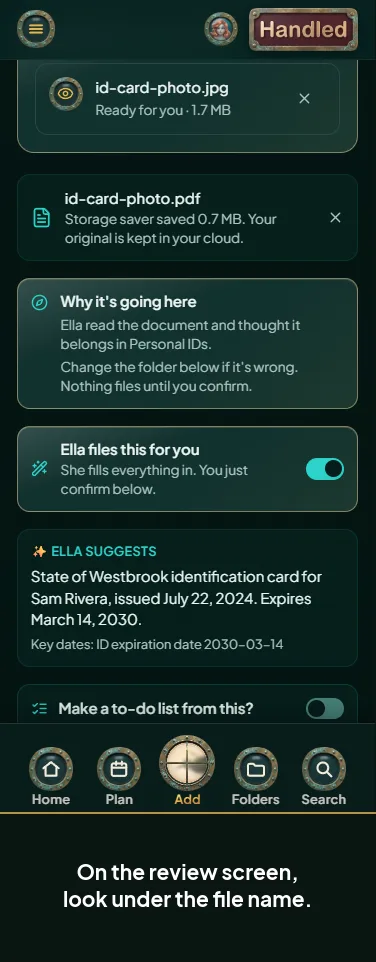 See how much space storage saver saved
-
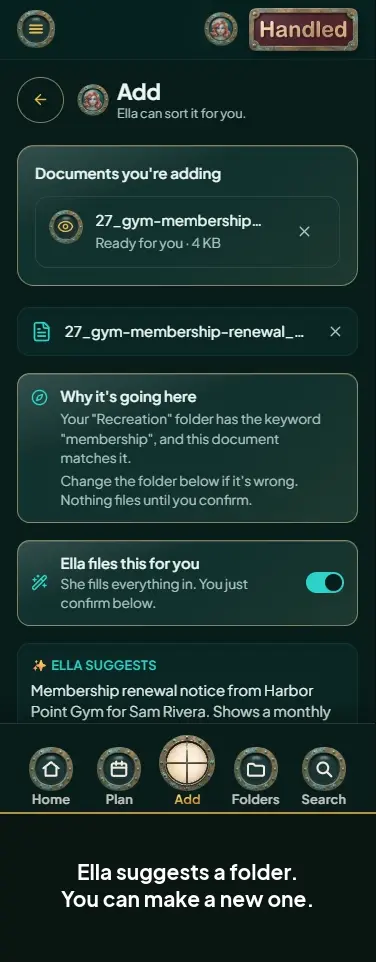 Make a new folder while you file
-
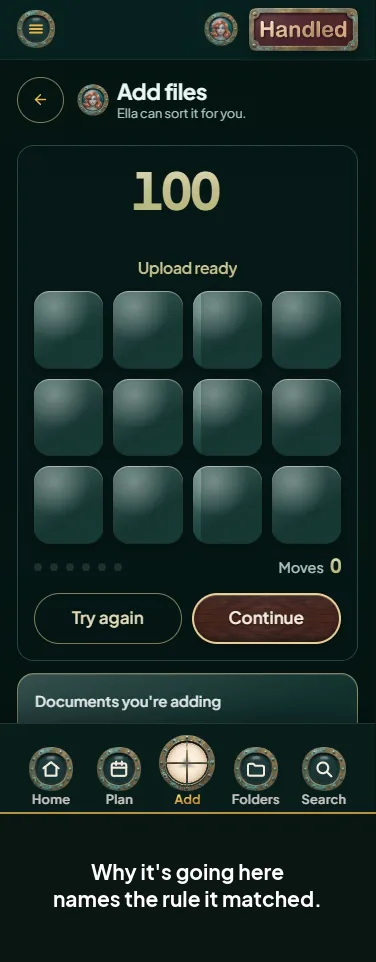 See why a document goes to your folder
-
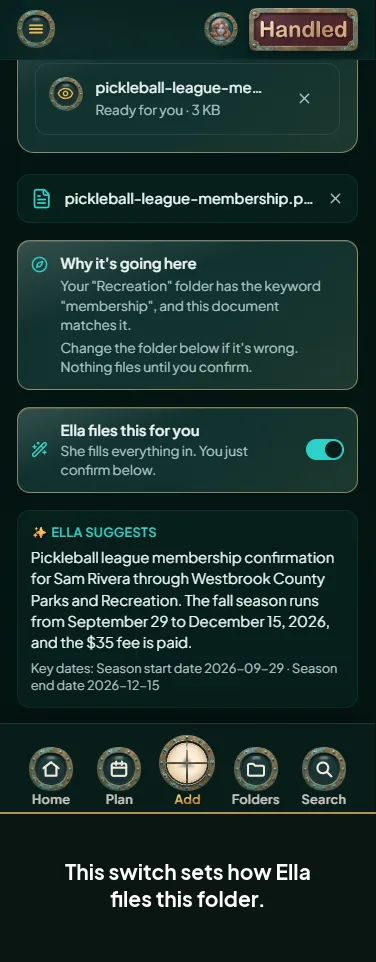 Switch a folder to manual filing while you review
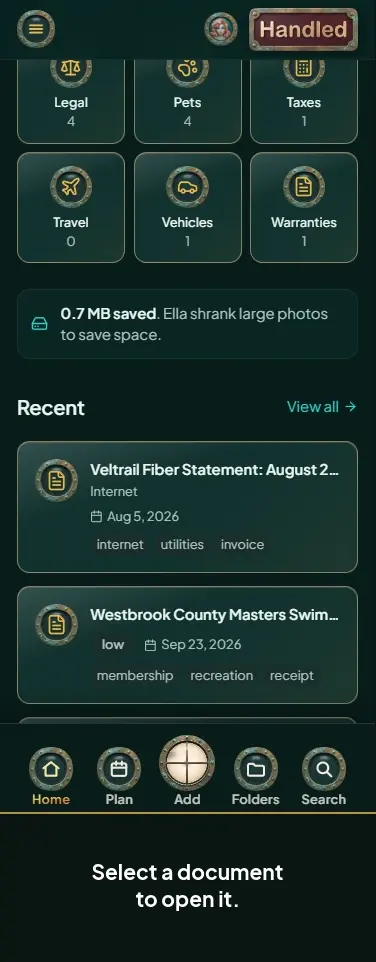
Finding and opening documents 8
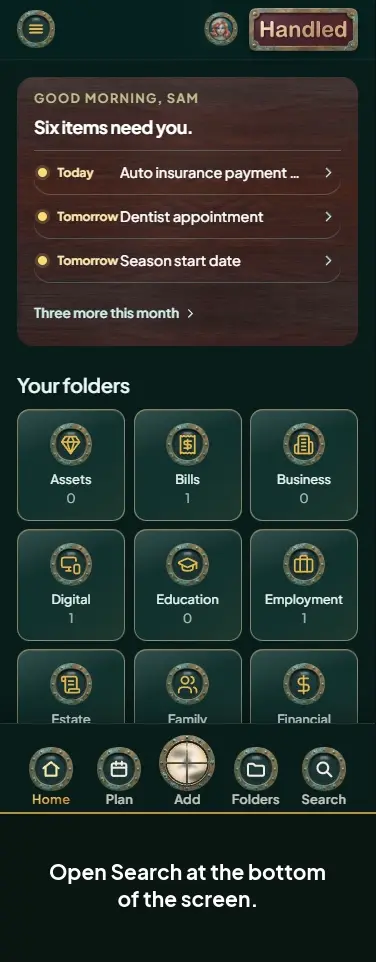
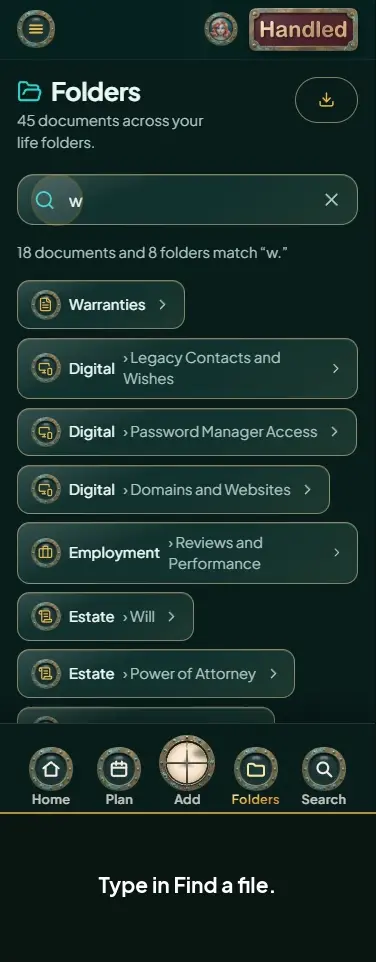
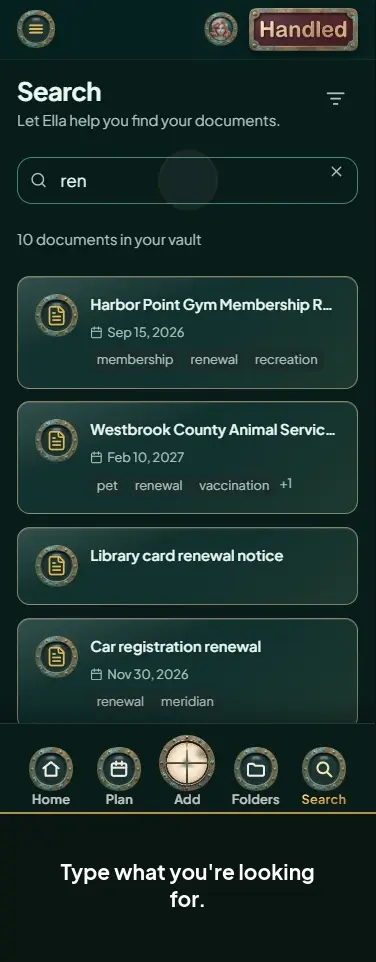
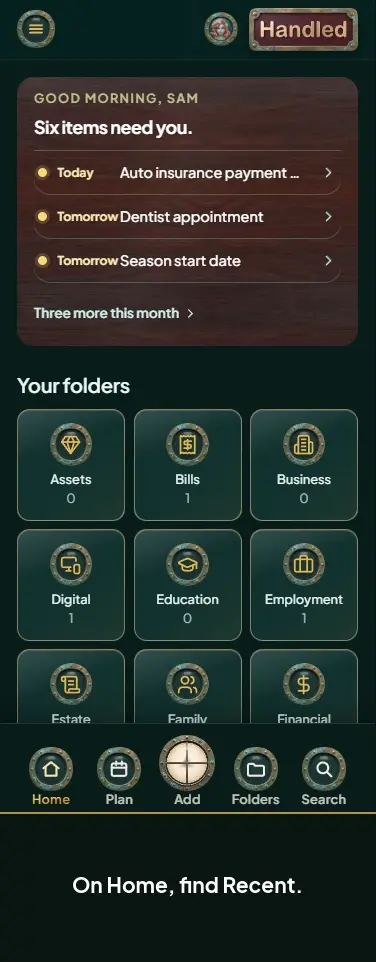
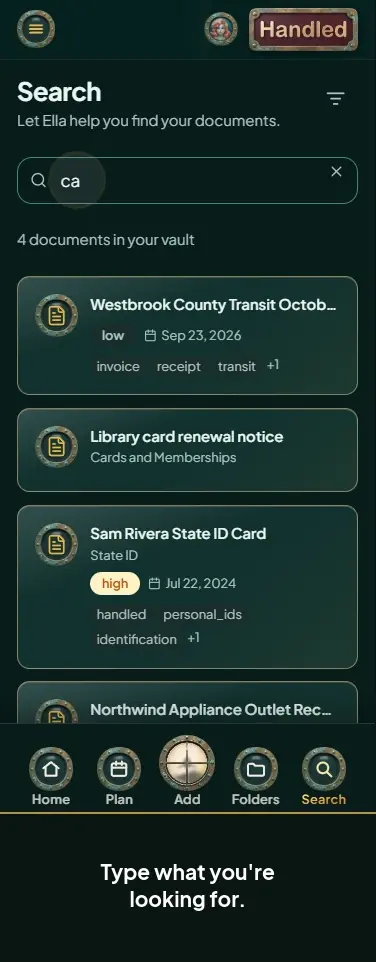
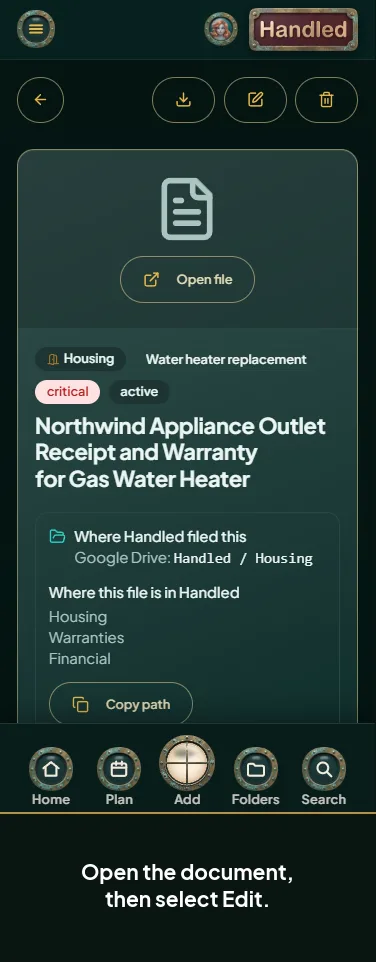
Changing and downloading documents 9
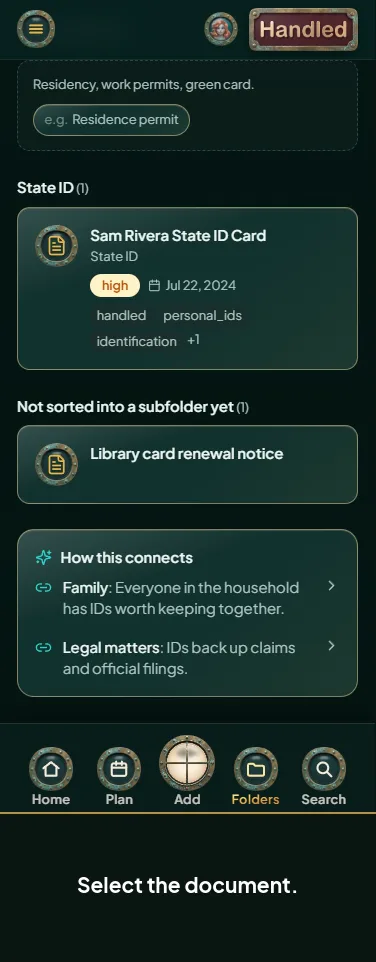
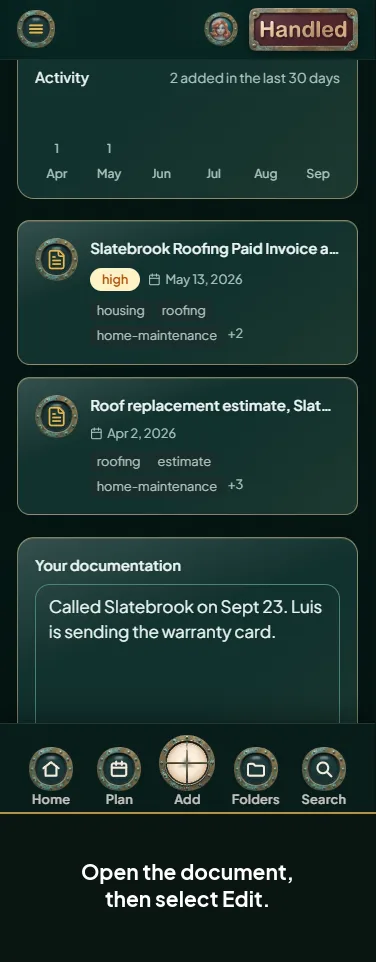
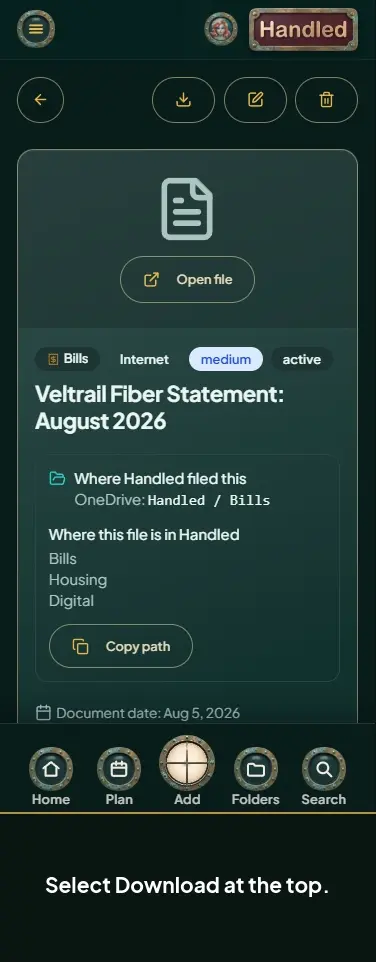
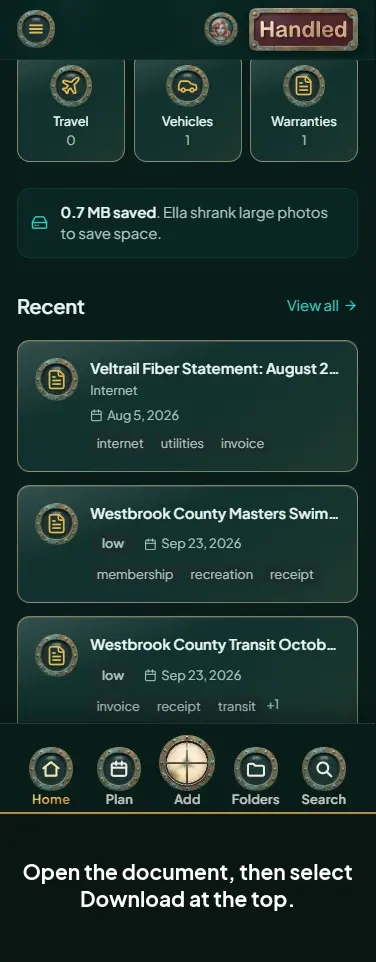
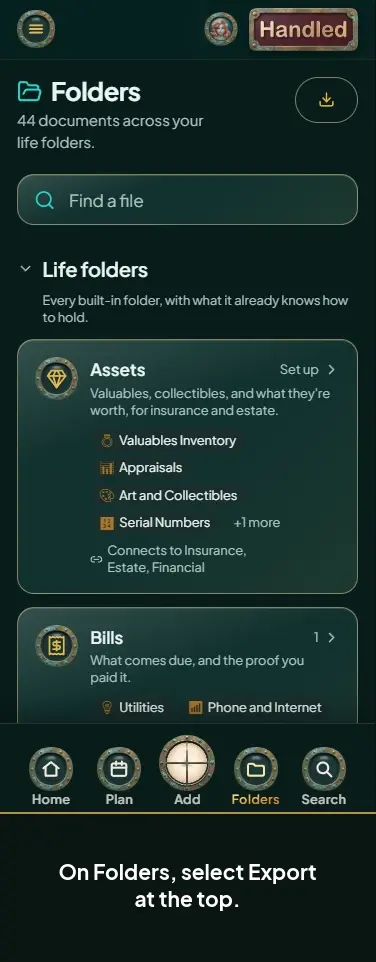
Folders 11
-
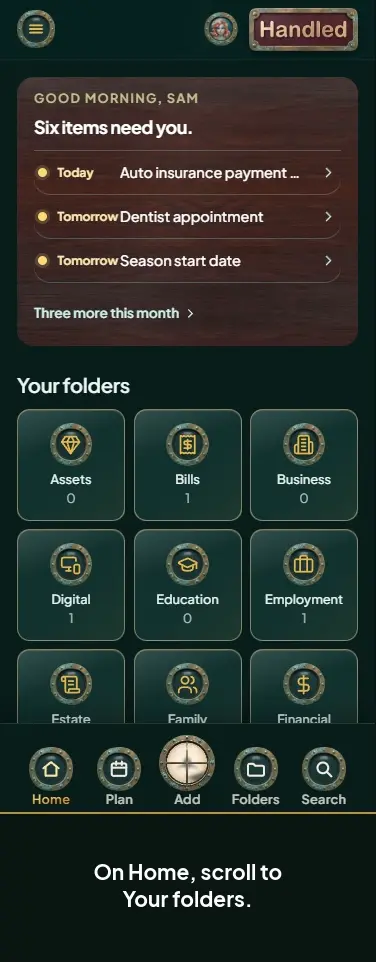
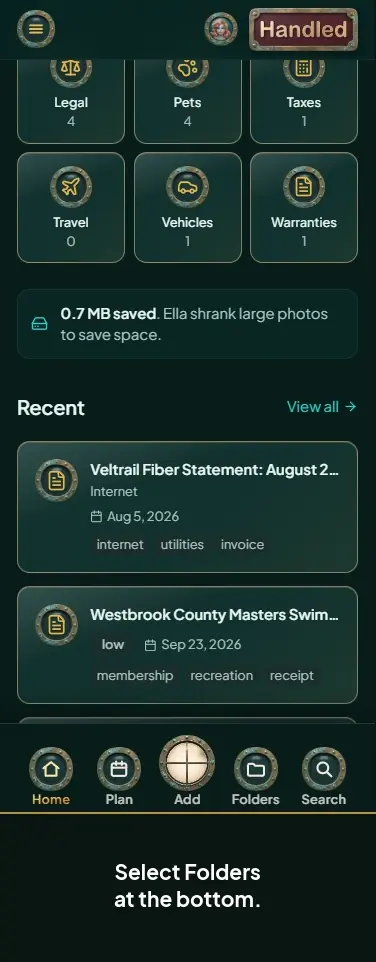 Browse your folders
-
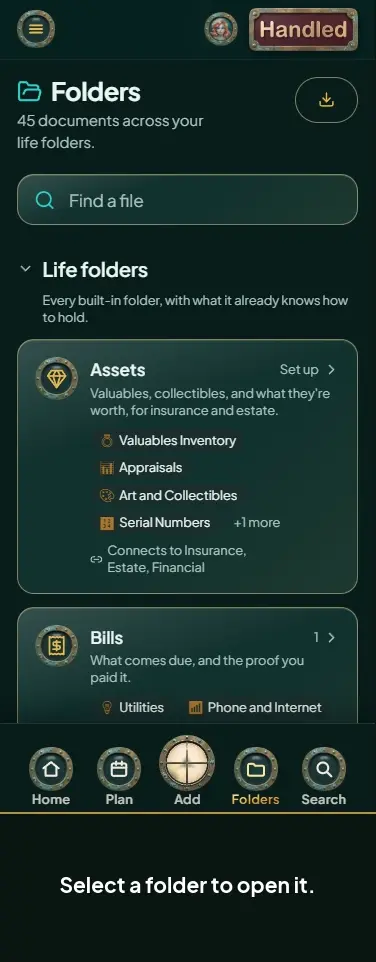 Open a folder and sort its documents
-
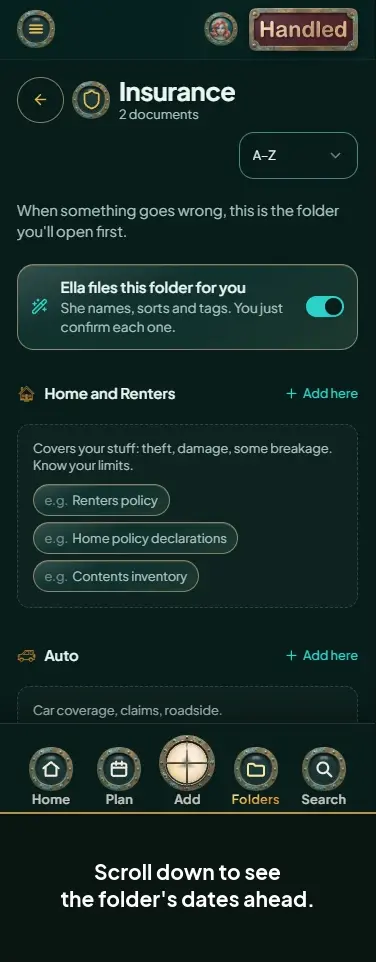 See the dates in a folder
-
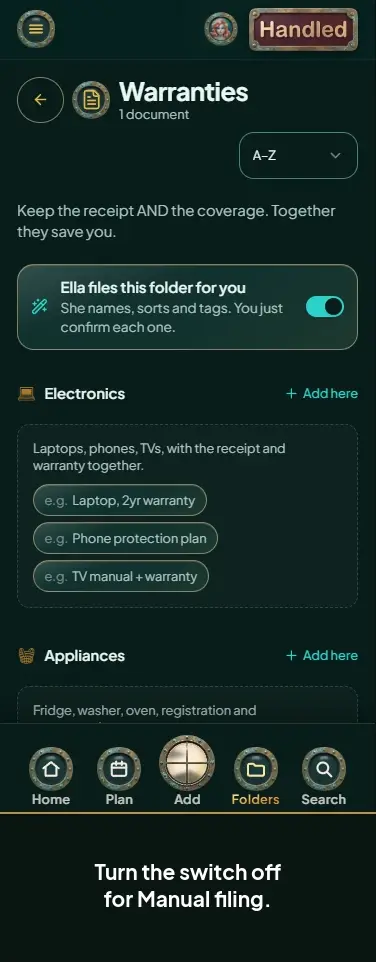 Set a folder to Ella or manual filing
-
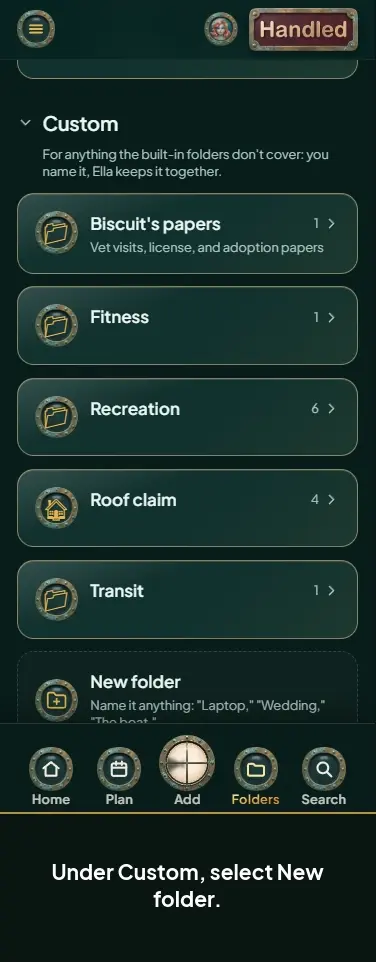 Create your own folder
-
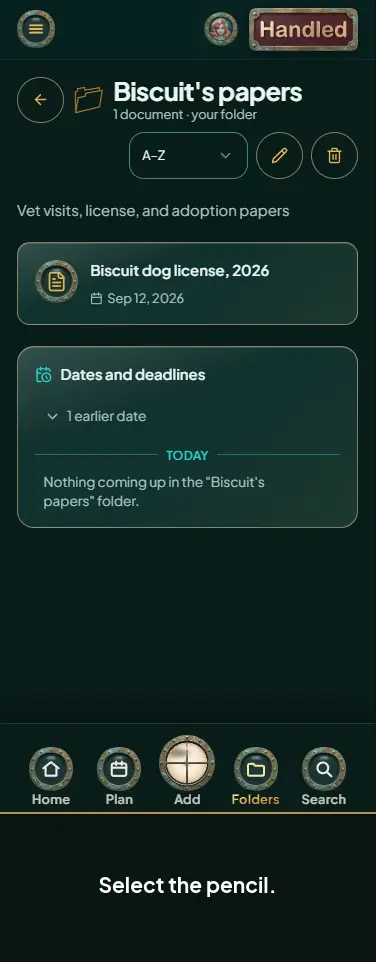 Rename your folder or change its icon
-
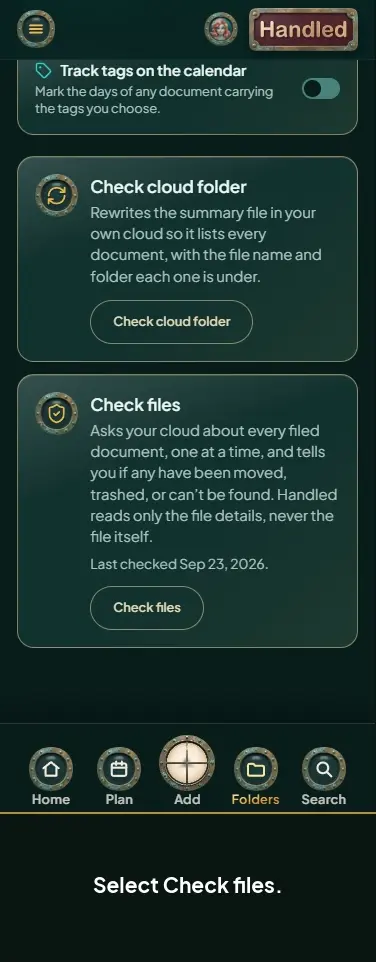 Check your files
-
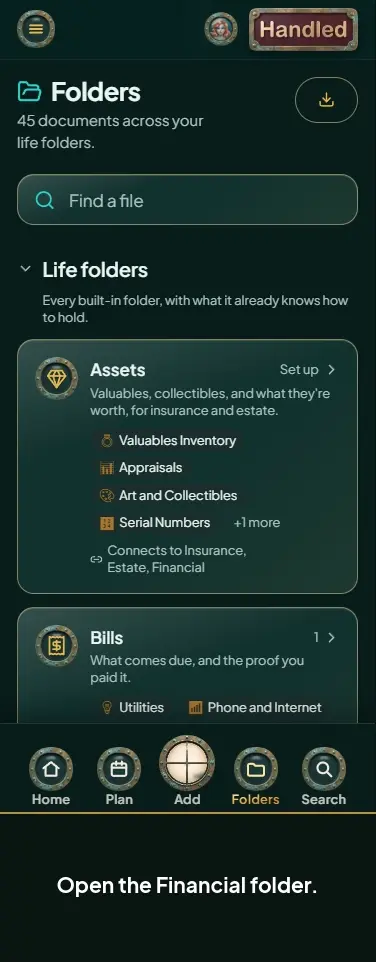 Go from a folder to Money
-
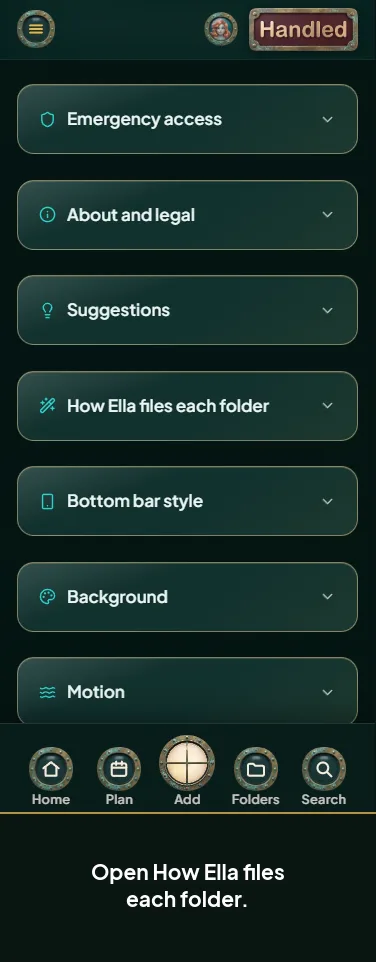 See how Ella files each folder
-
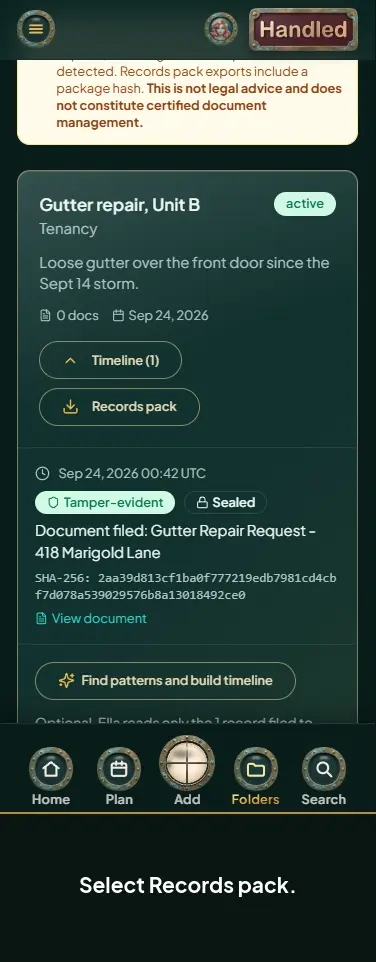
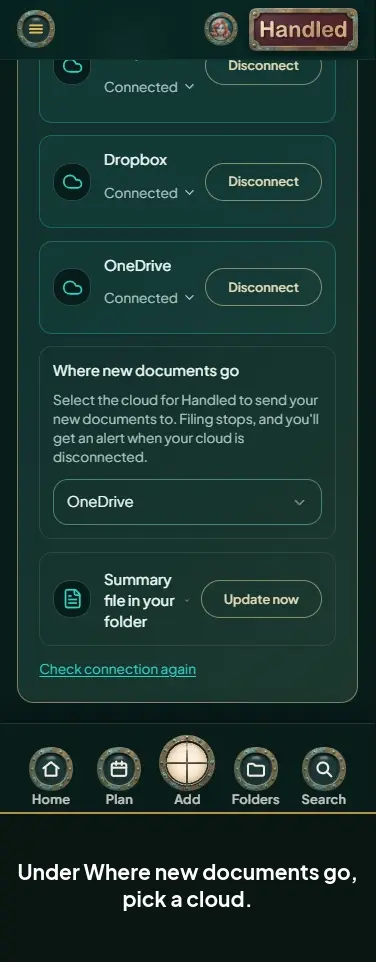
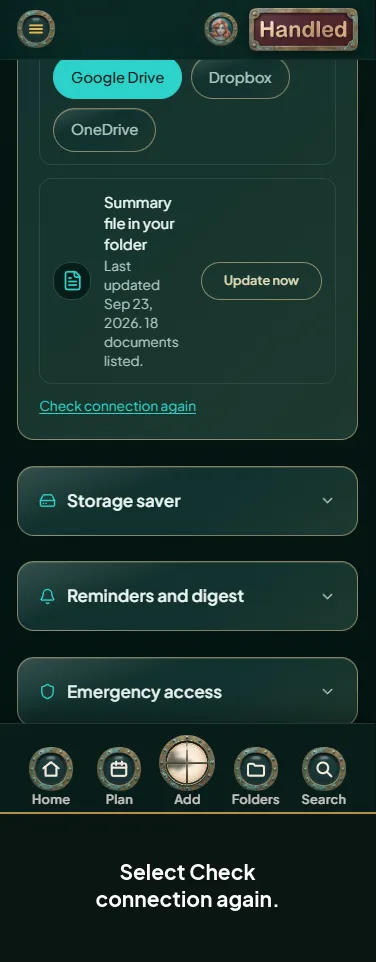
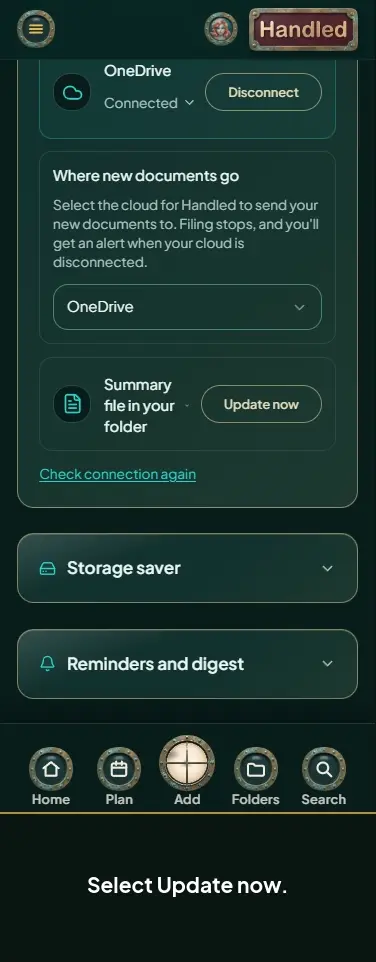 Update the summary file in your Handled folder
-
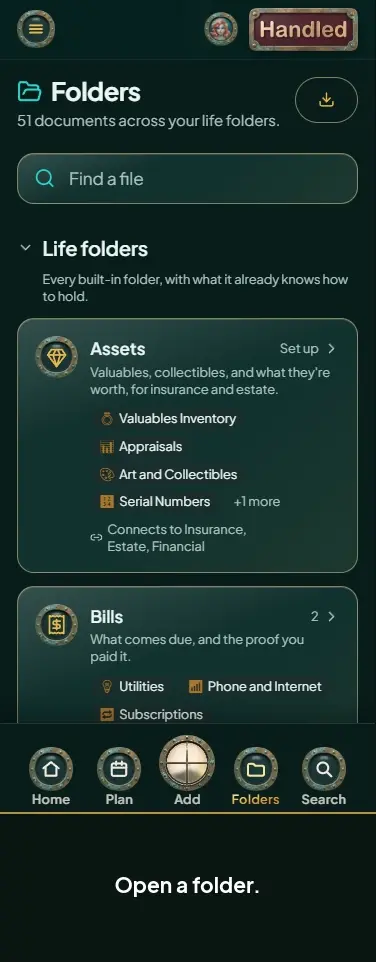 Understand subfolders
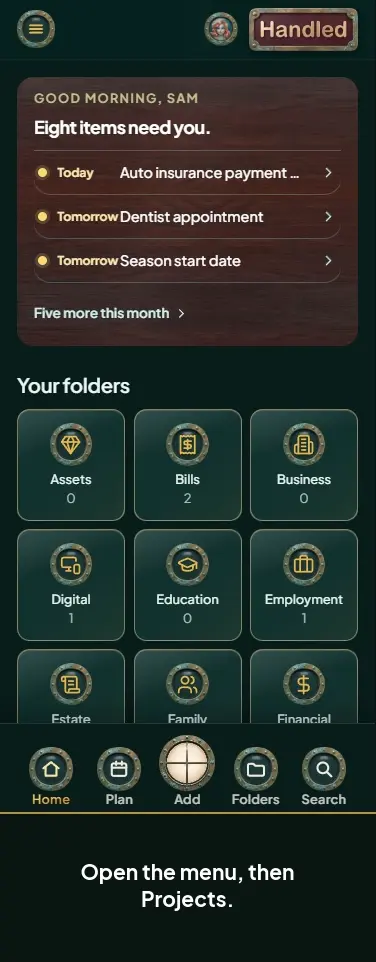
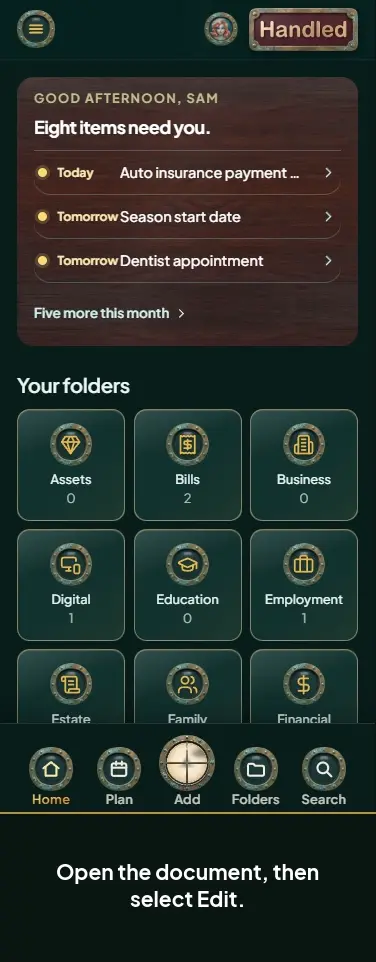
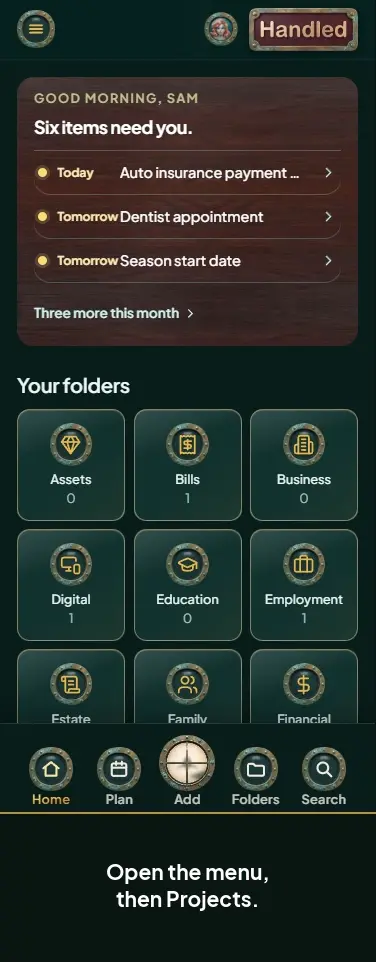
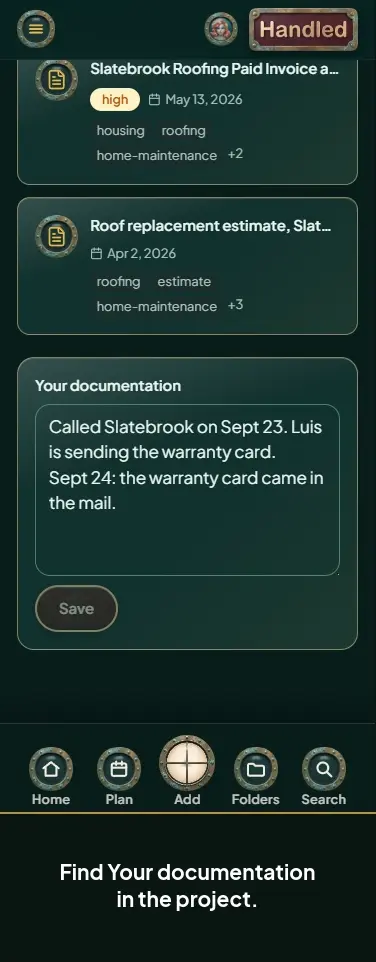
Projects 8
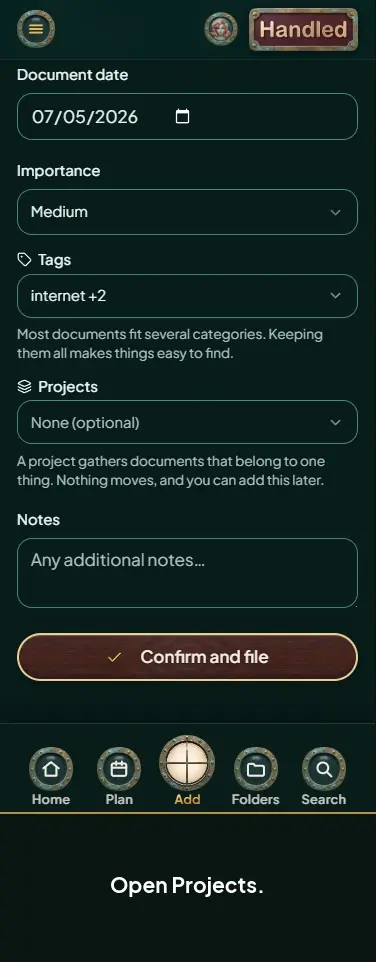
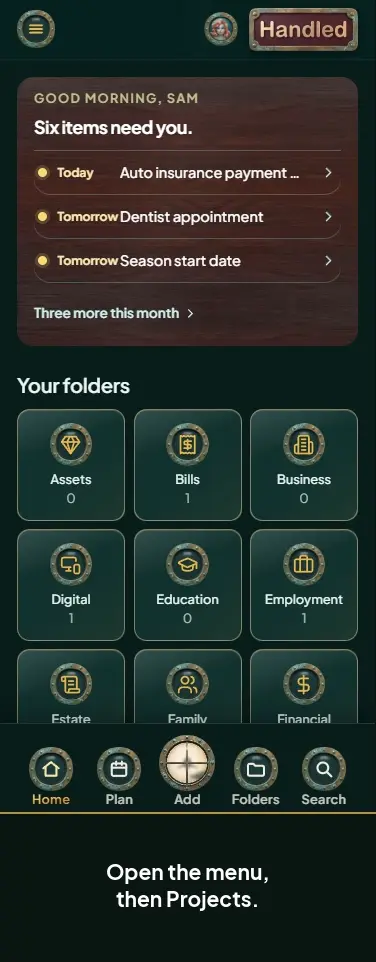
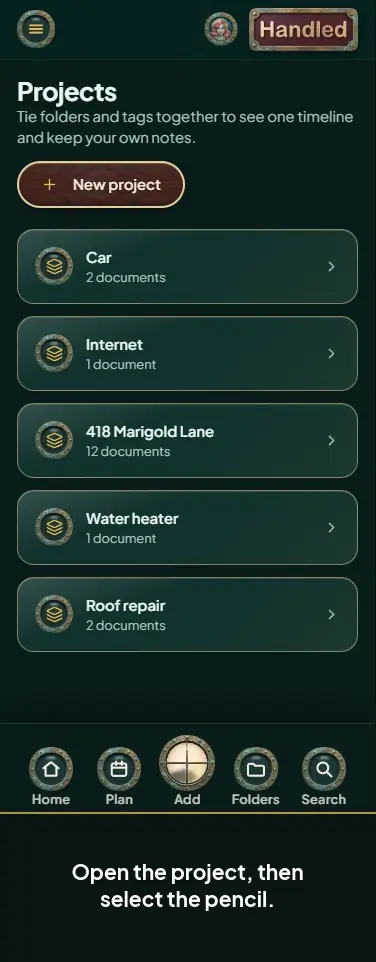
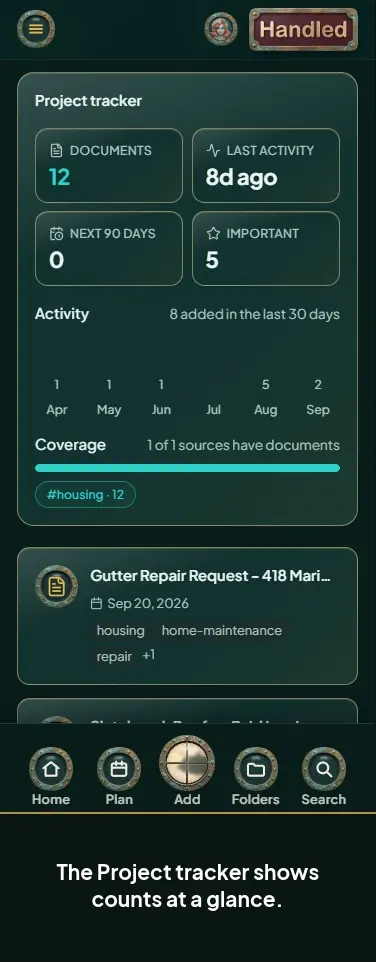
Plan, reminders, and tasks 21
-
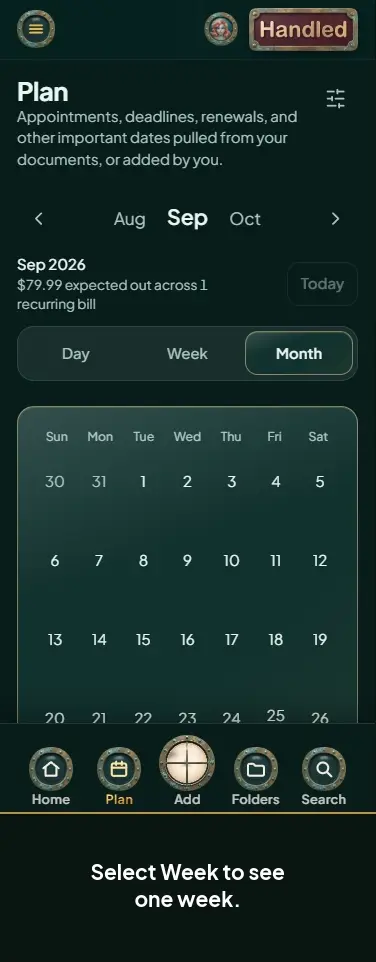 Switch between Day, Week, and Month
-
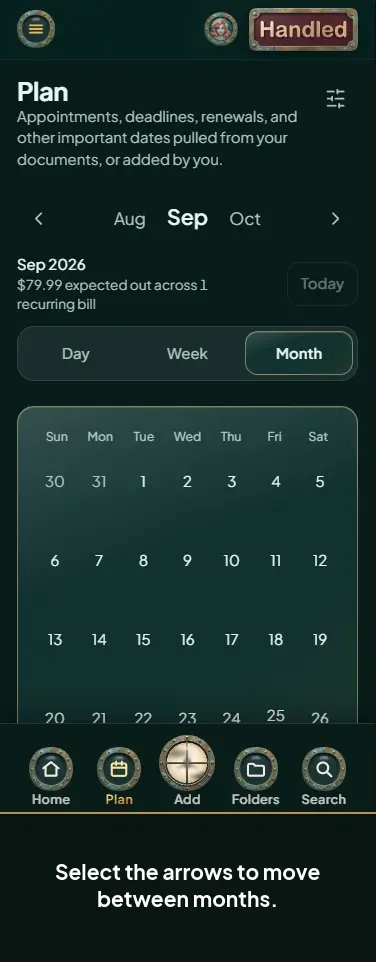 Move between months and jump to today
-
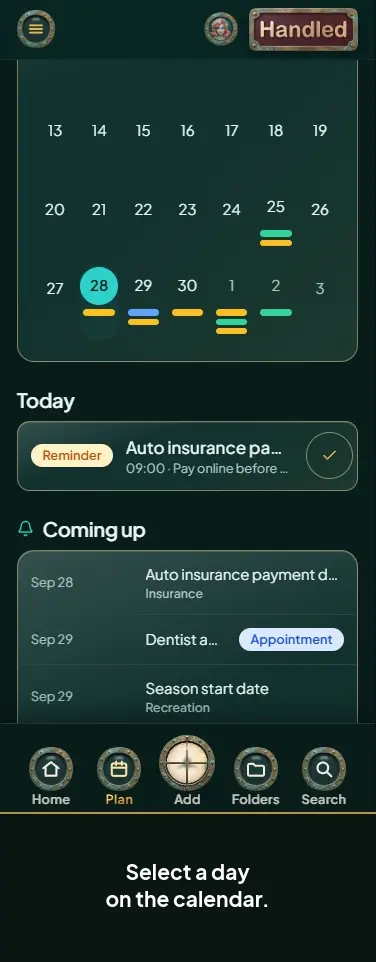 Pick a day on the calendar
-
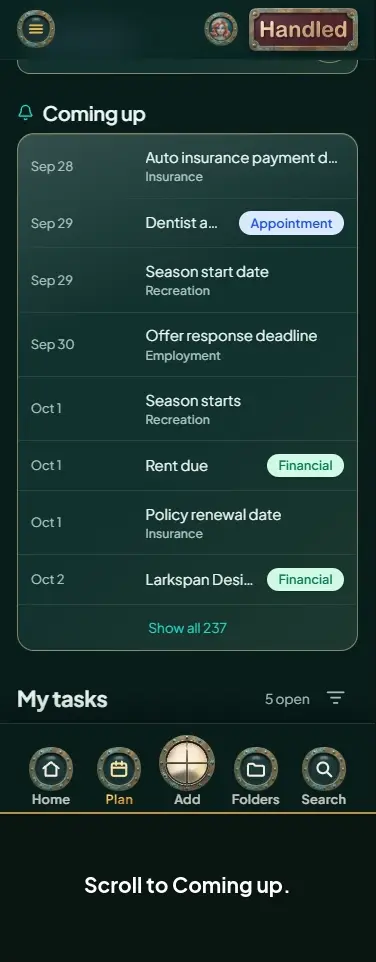 Use the Coming up list
-
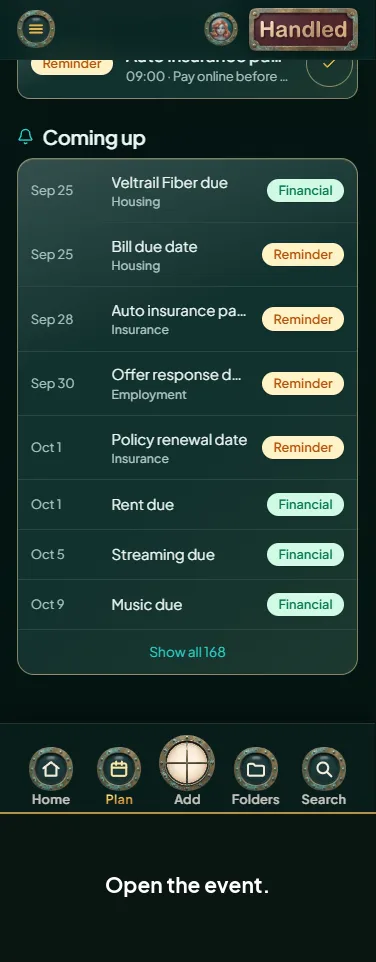
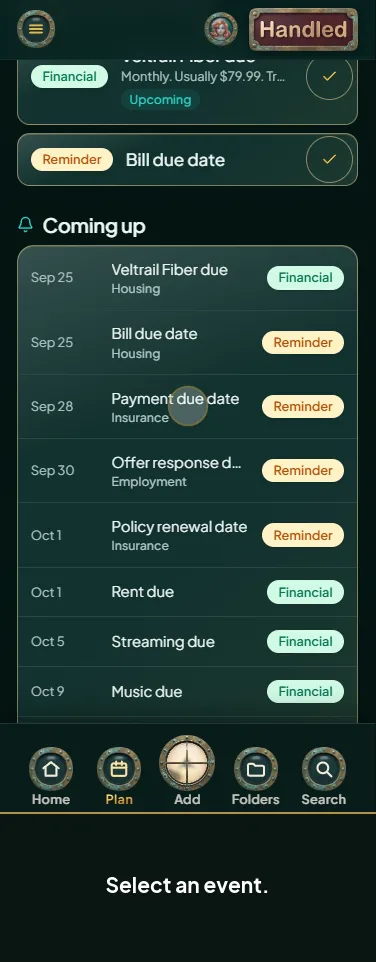 Open an event
-
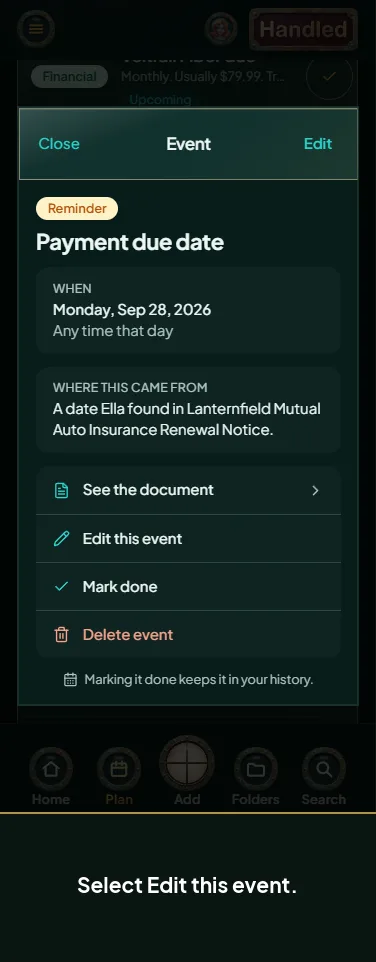 Edit an event
-
 Mark an event done
-
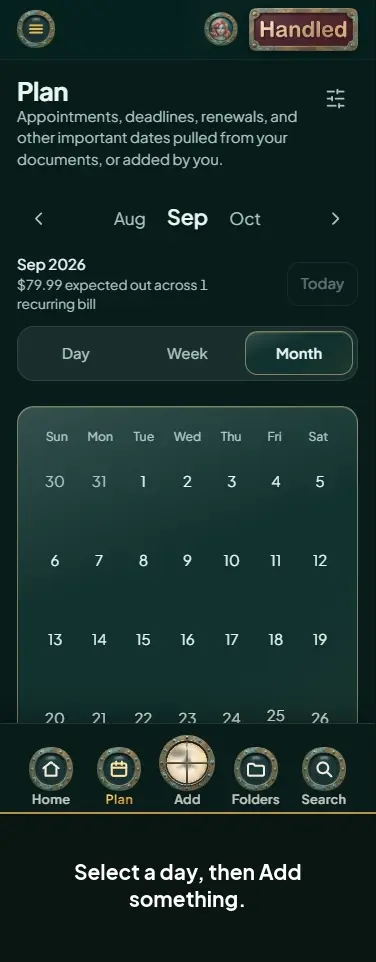 Add a reminder or event
-
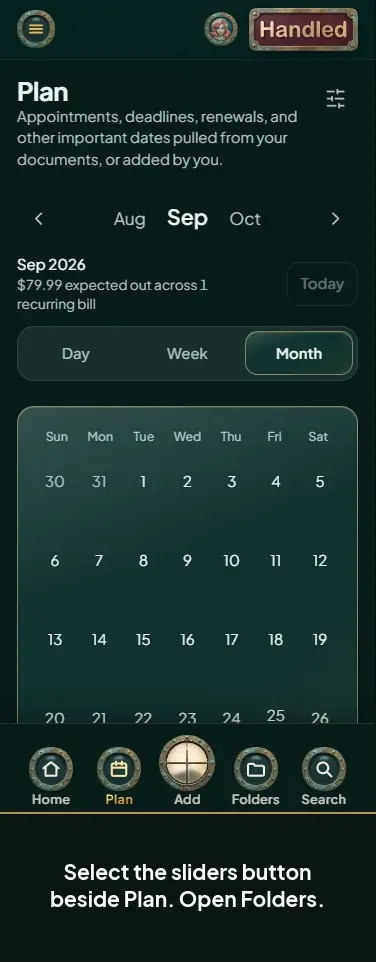 Filter your Plan by folder
-
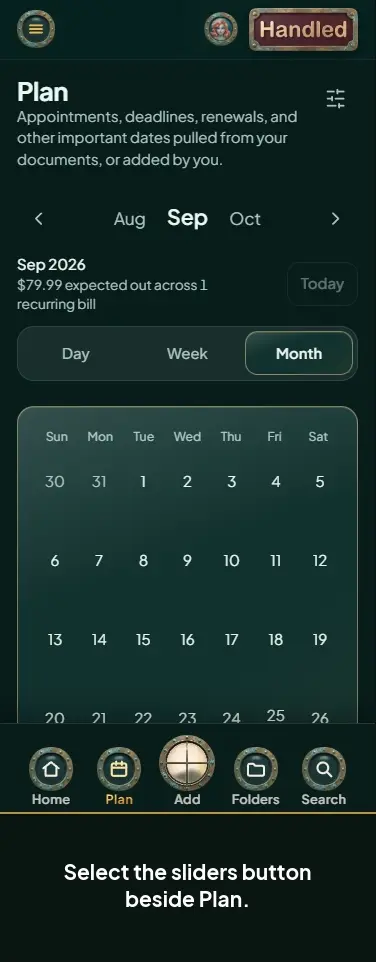 Filter your Plan by type
-
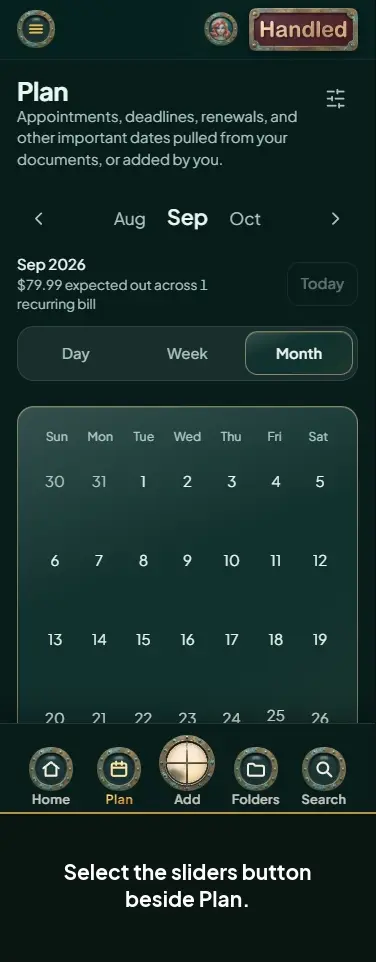 Filter your Plan by project
-
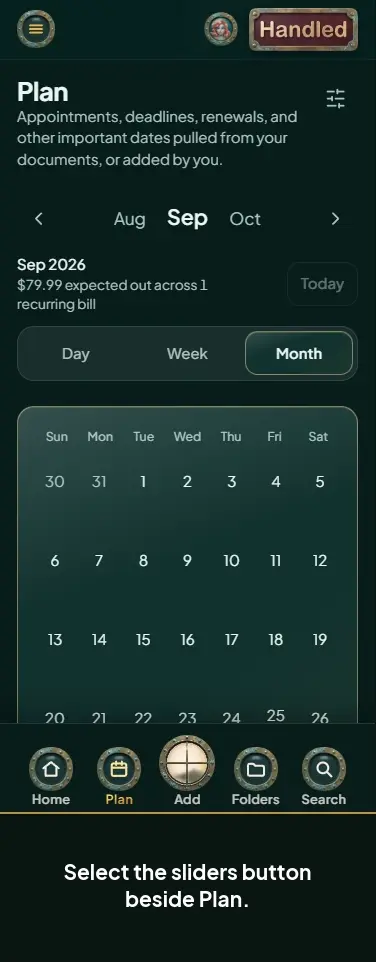 Filter your Plan by bill or subscription
-
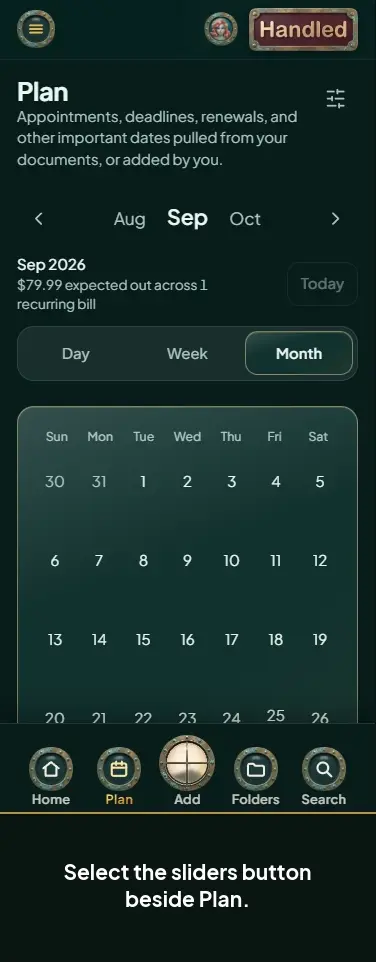 Track tags on the calendar
-
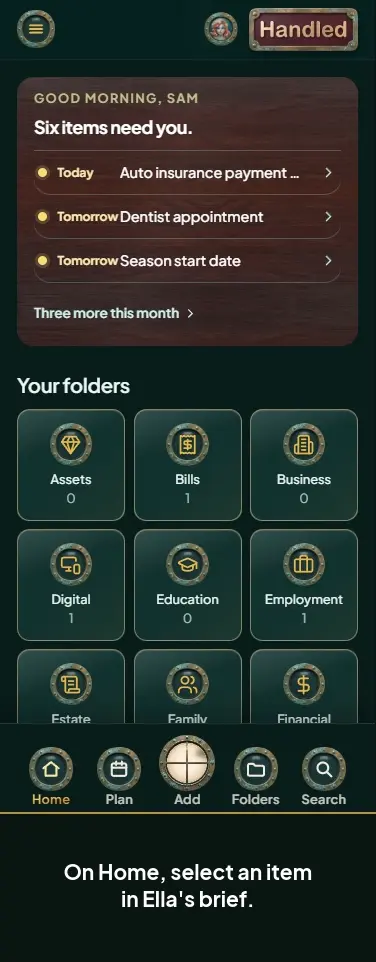 Use Ella's brief on Home
-
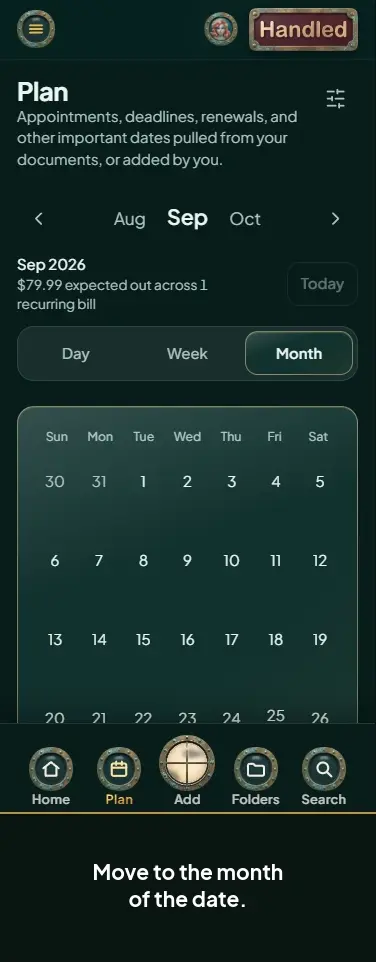 Find a reminder Ella set from a document
-
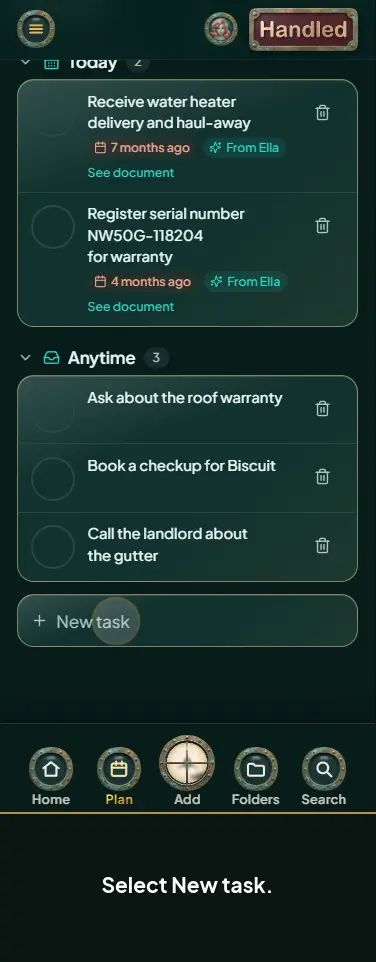 Add a task
-
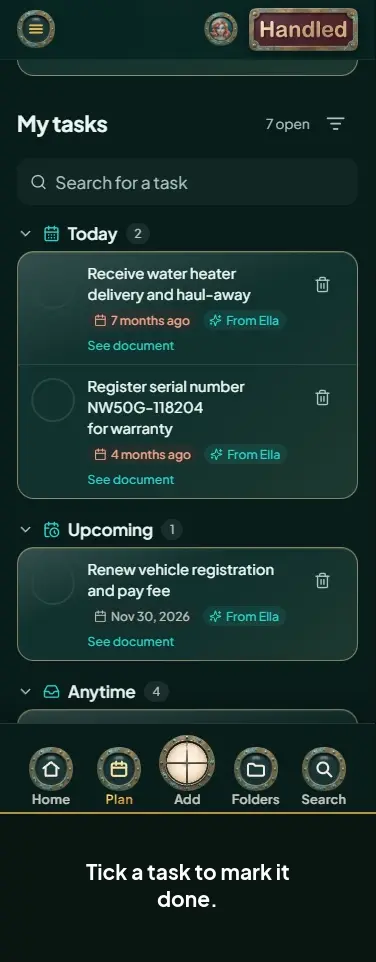 Complete and filter tasks
-
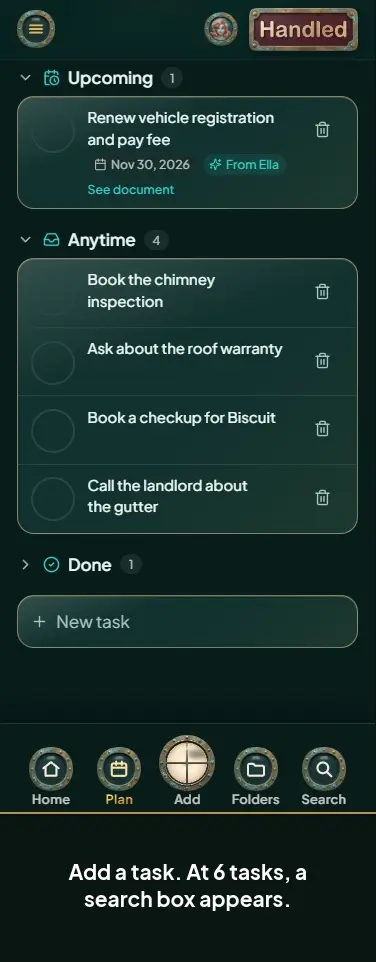 Search and filter your tasks
-
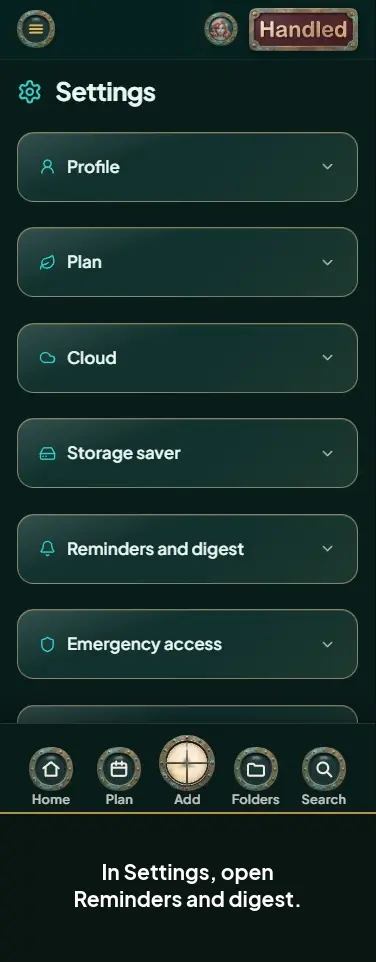 Change your reminder lead time
-
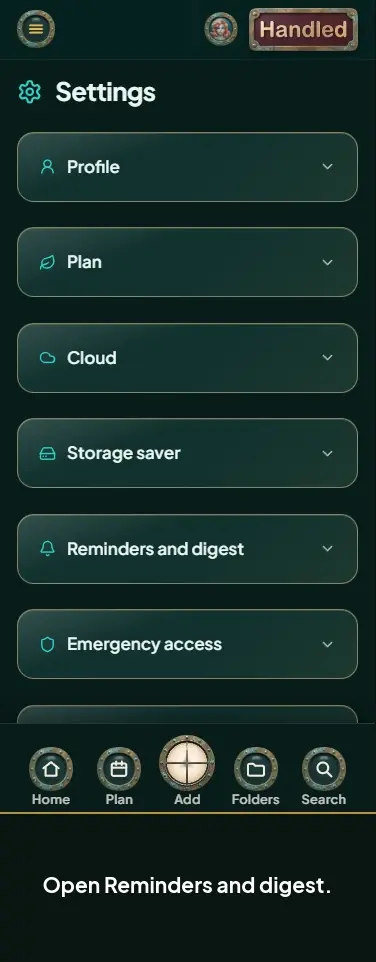 Set how often the reminder digest arrives
-
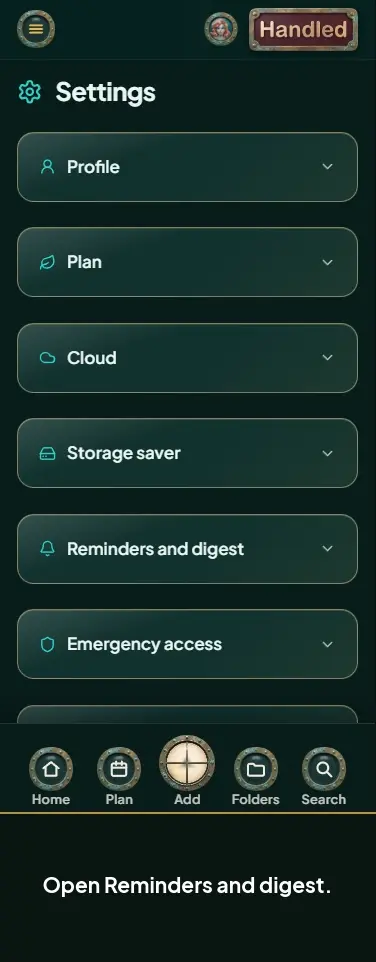 Set the forwarded-email warning
Money, bills, and subscriptions 14
-
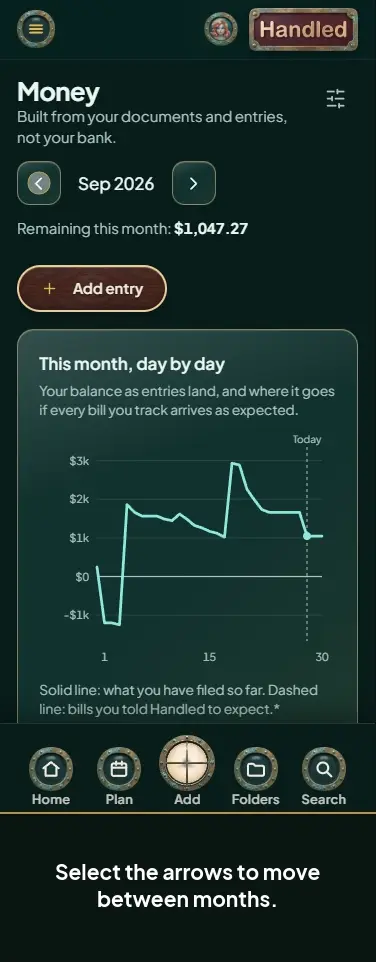 Move between months on the Money page
-
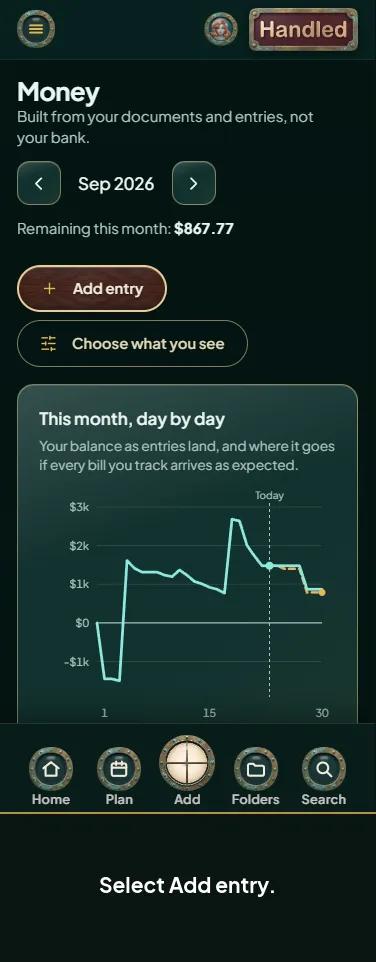 Add a money entry
-
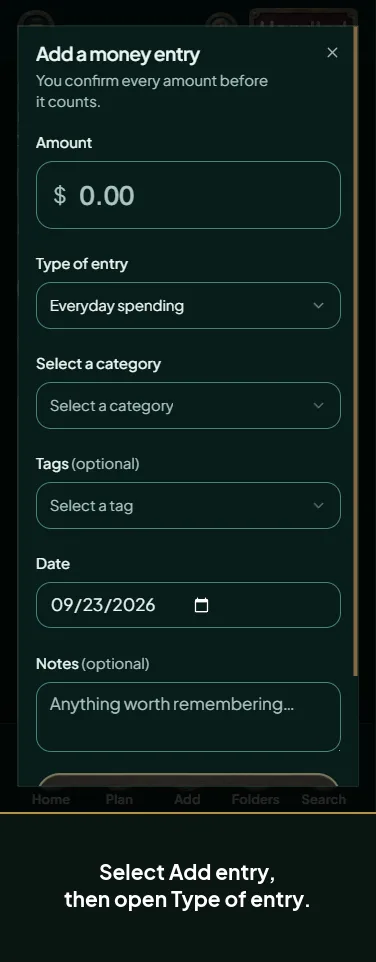 Make your own type of money entry
-
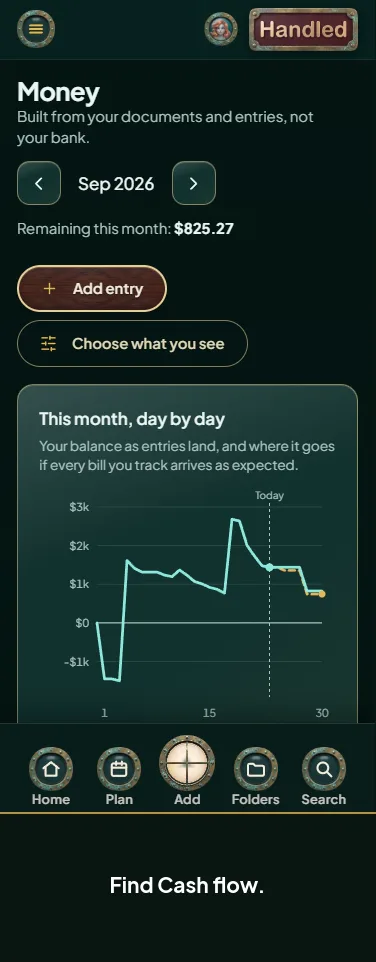 Enter a rollover from last month
-
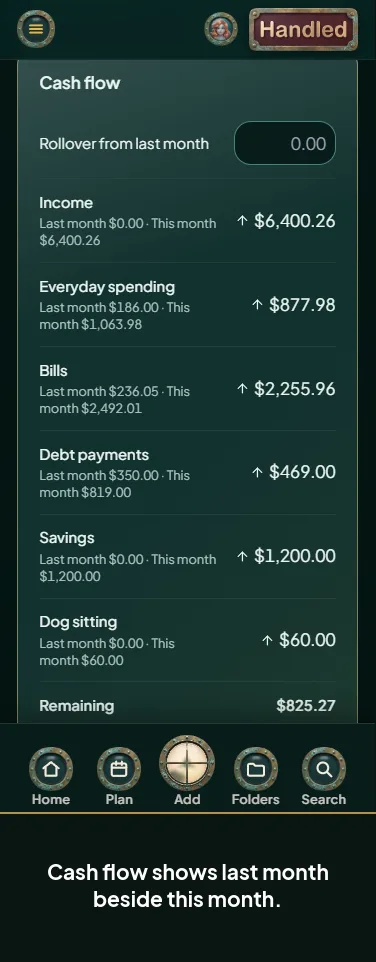 Read your cash flow
-
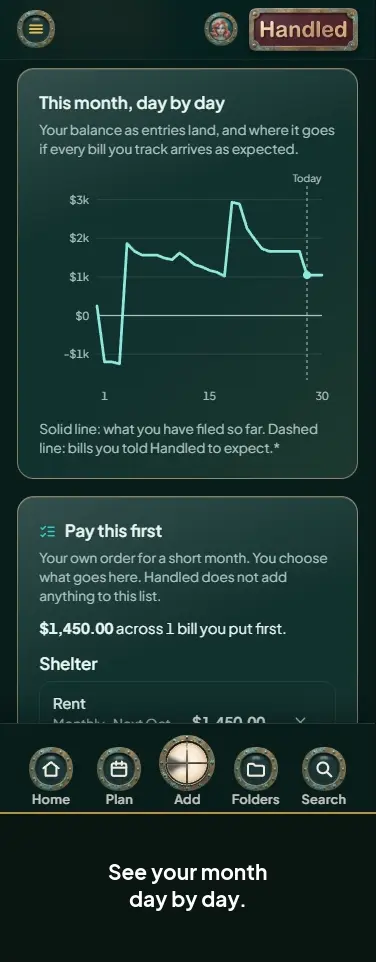 Read the Money charts
-
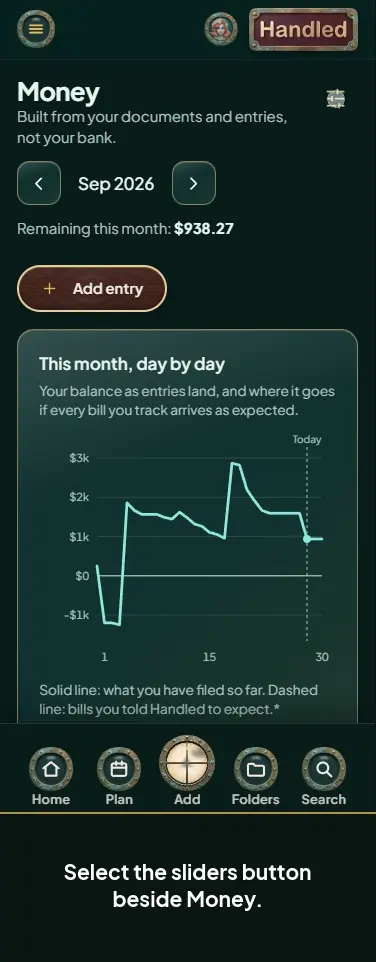 Choose what the Money page shows
-
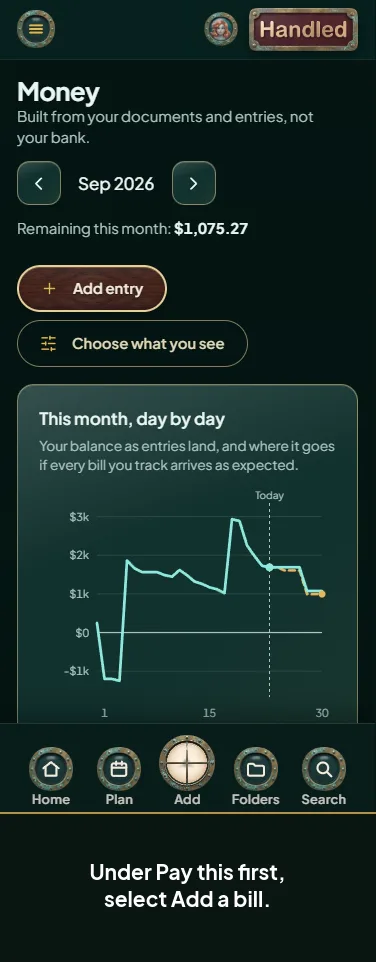 Build your Pay this first list
-
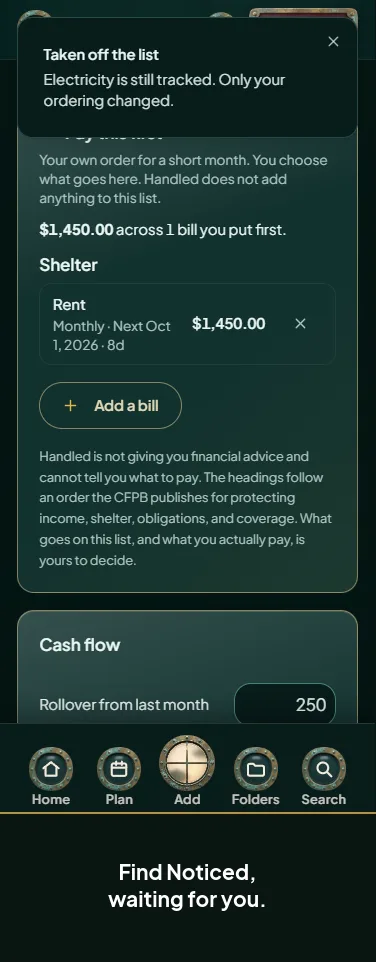 Track or ignore a repeat Ella noticed
-
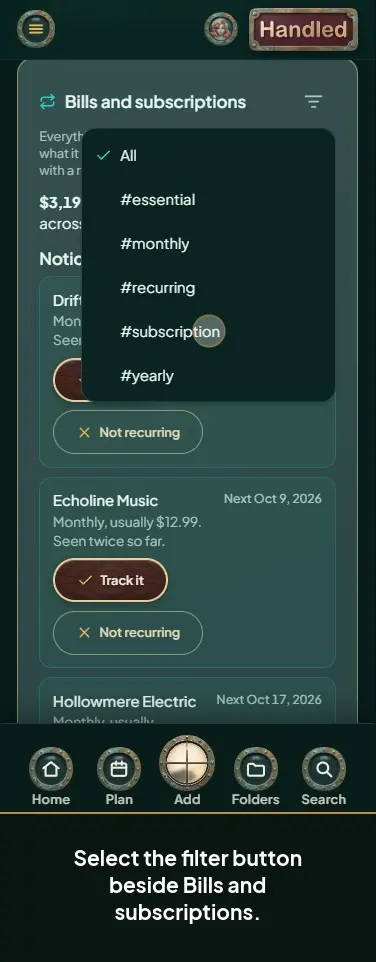 Filter bills and subscriptions by tag
-
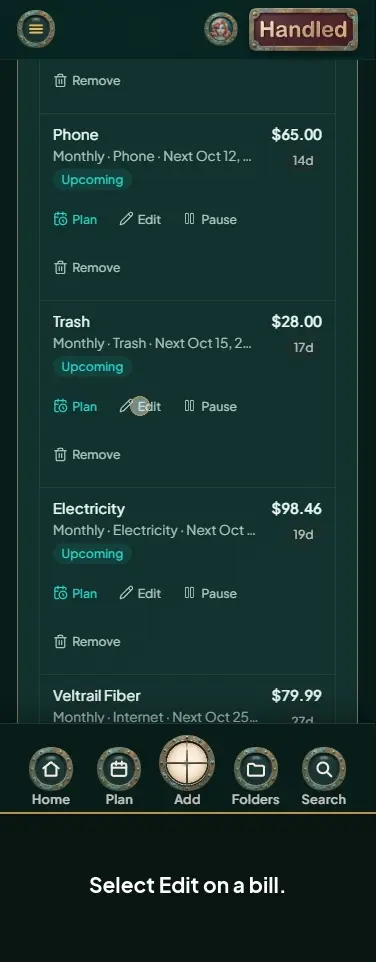 Edit a bill or subscription
-
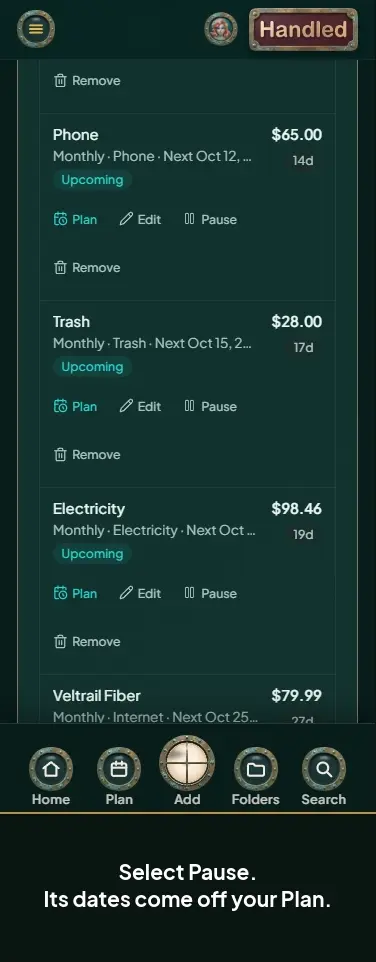 Pause or resume a bill or subscription
-
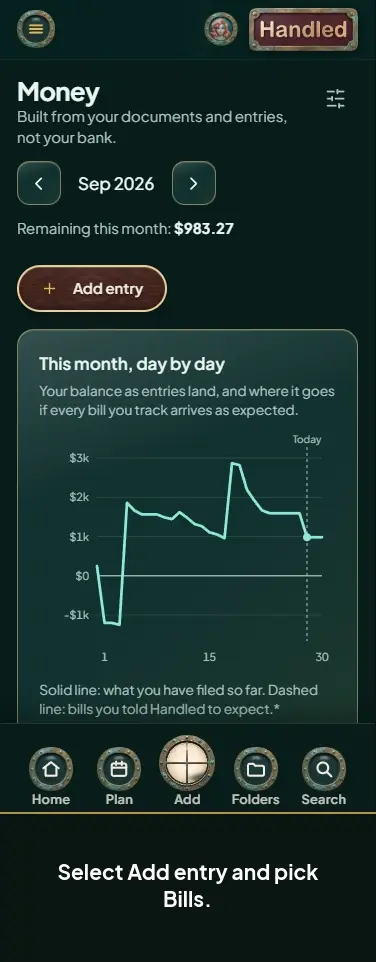 Get a monthly Plan reminder for a bill
-
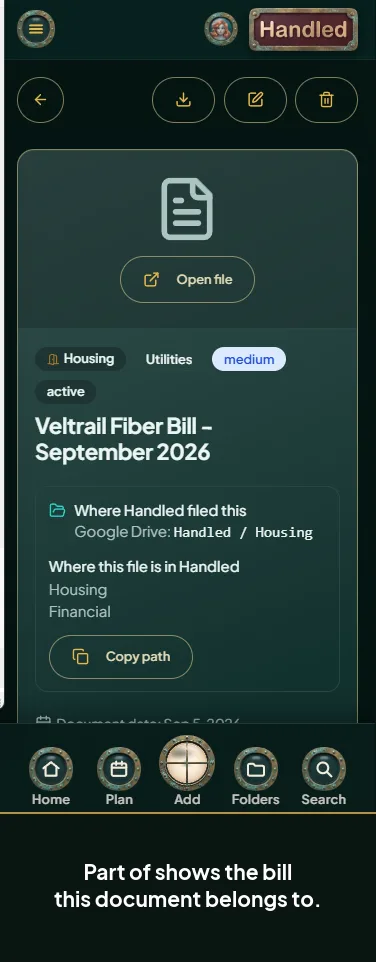 See the bill a document belongs to