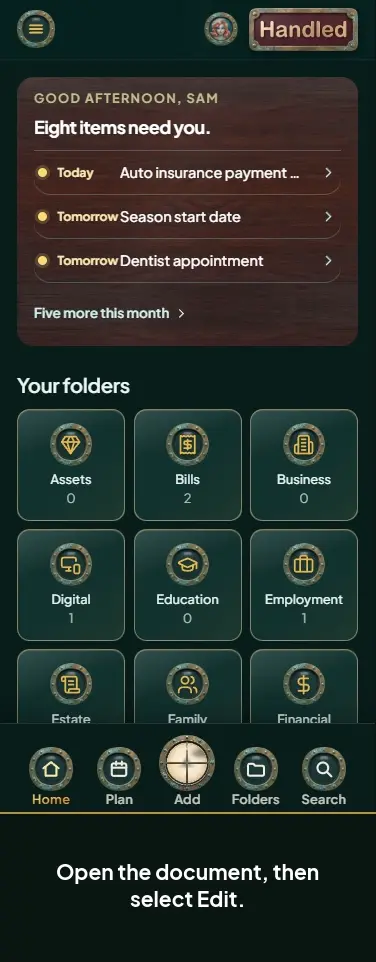
Download chosen documents from a project
Length 0:27 minutes · No sound. Every step is shown on screen and in the captions.
Steps
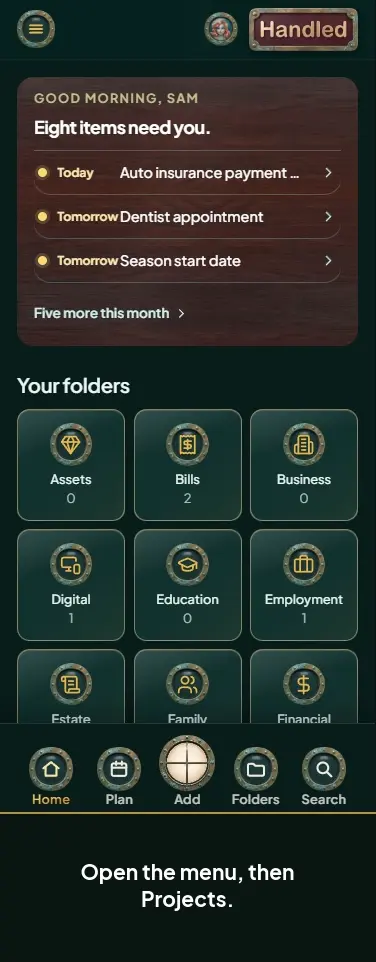
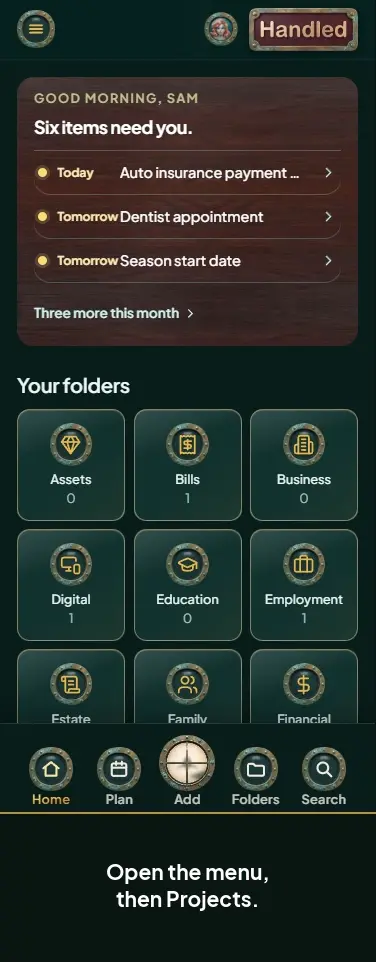
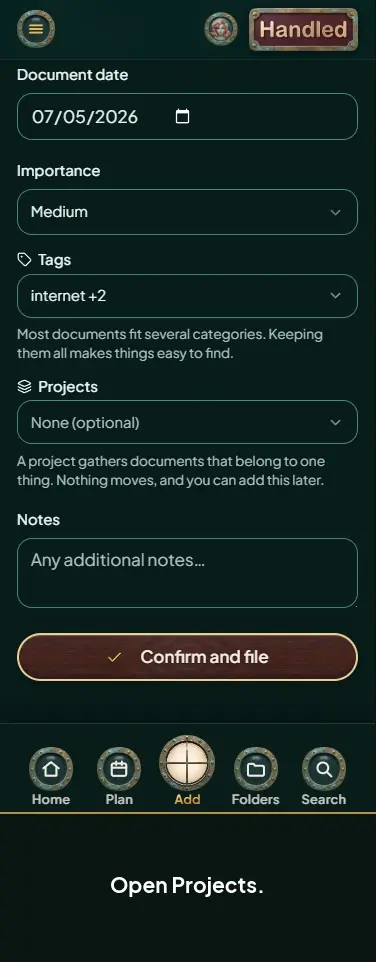
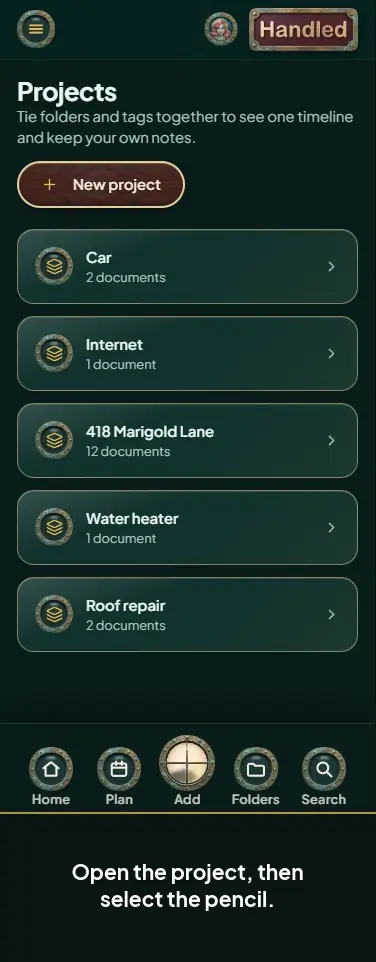
- Open the menu, then Projects.
- Open the project, then select Download.
- Untick the documents you don't want.
- Choose a password option, then select Download.
- Your download is ready.