
Send a batch of documents to one folder
Length 0:38 minutes · No sound. Every step is shown on screen and in the captions.
Steps
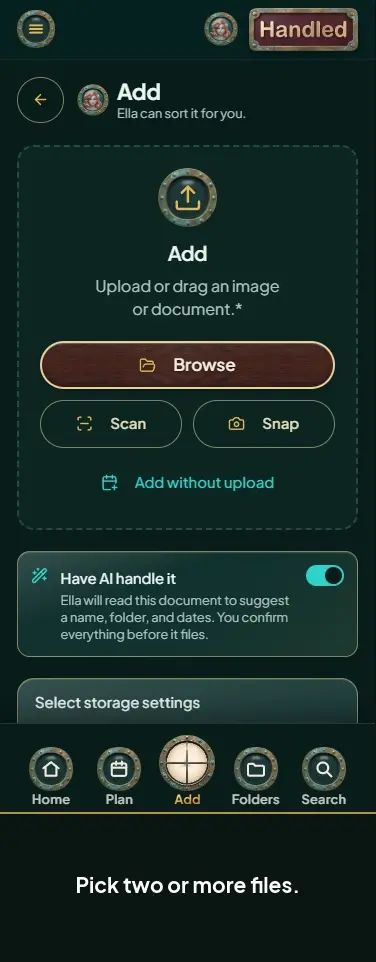
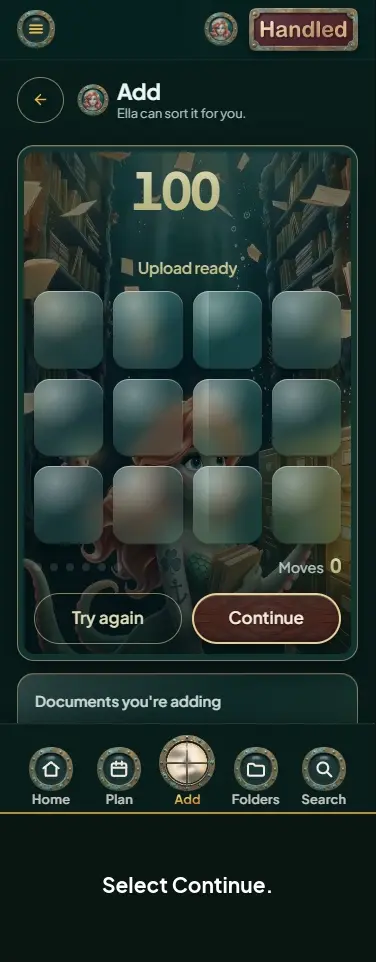
- Select Browse and pick more than one file.
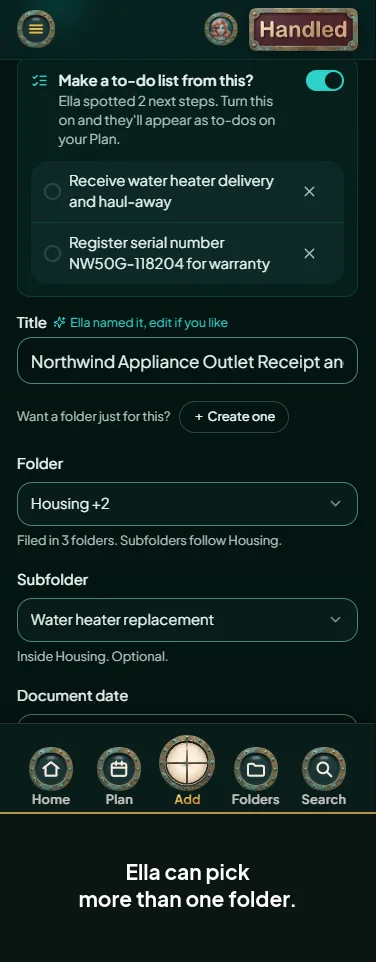
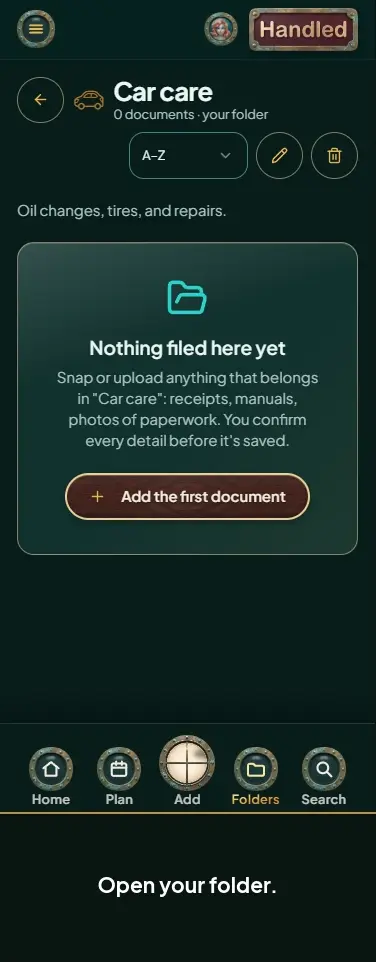
- On the first document, pick a folder.
- Leave Send the rest of this batch here too ticked.
- Select Confirm and file.
- Select File remaining.
- The next document opens with the same folder picked.