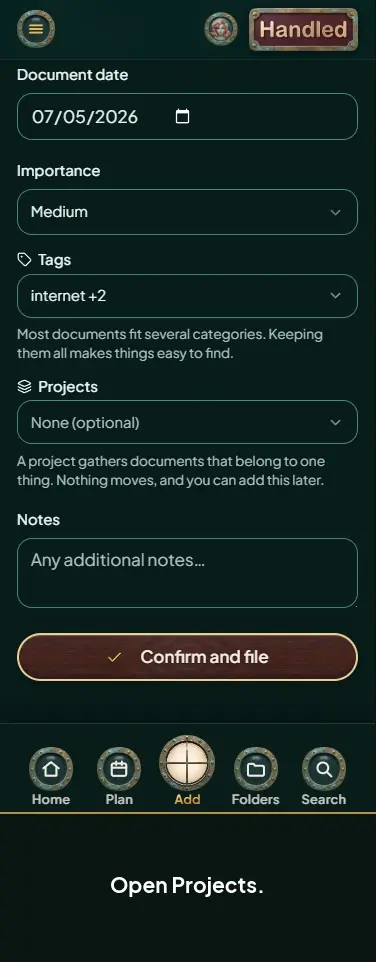

Add a document
Length 0:38 minutes · No sound. Every step is shown on screen and in the captions.
Steps
- Open Add at the bottom of the screen.
- Choose Browse, Scan, or Snap.
- Pick the document you want to add.
- Check the privacy settings, then select Confirm privacy settings.
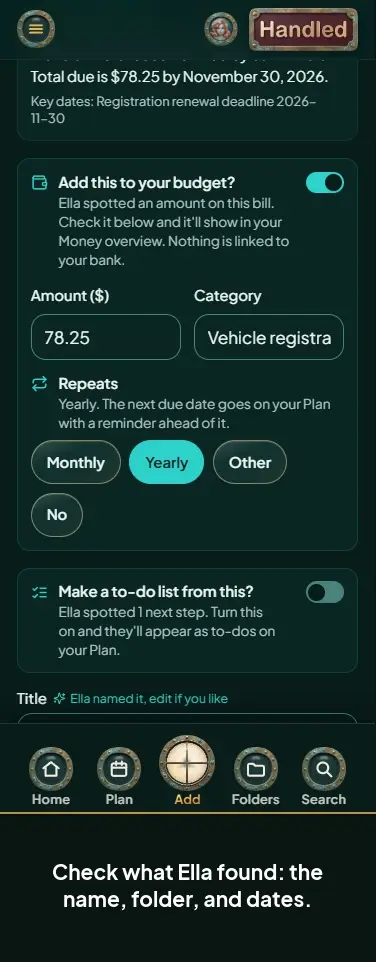
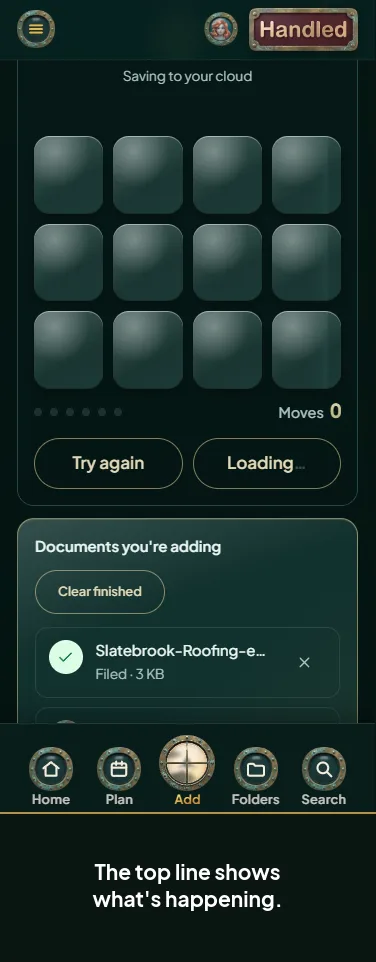
- Ella reads it while you wait.
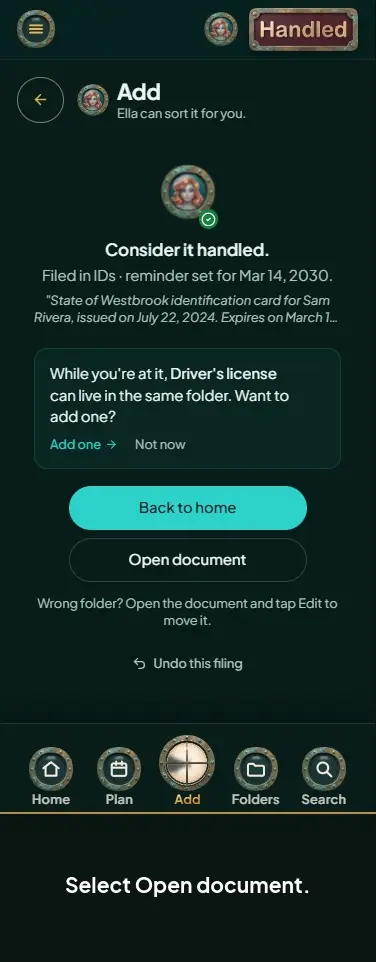
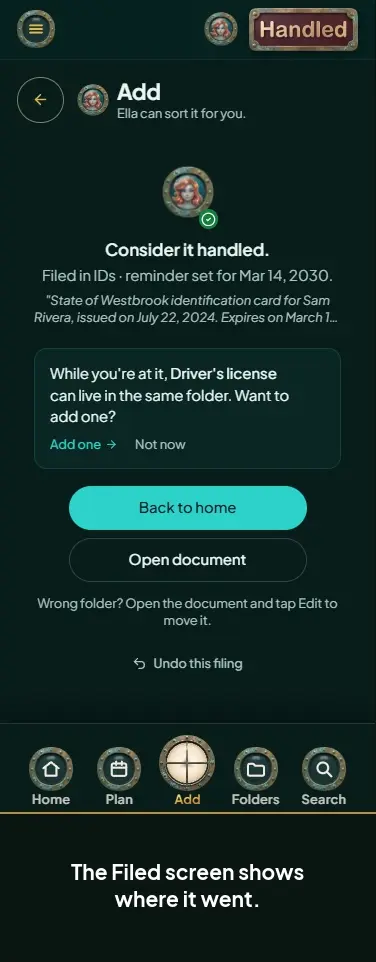
- Select Continue when it's ready.