
Search and filter your tasks
Length 0:42 minutes · No sound. Every step is shown on screen and in the captions.
Steps
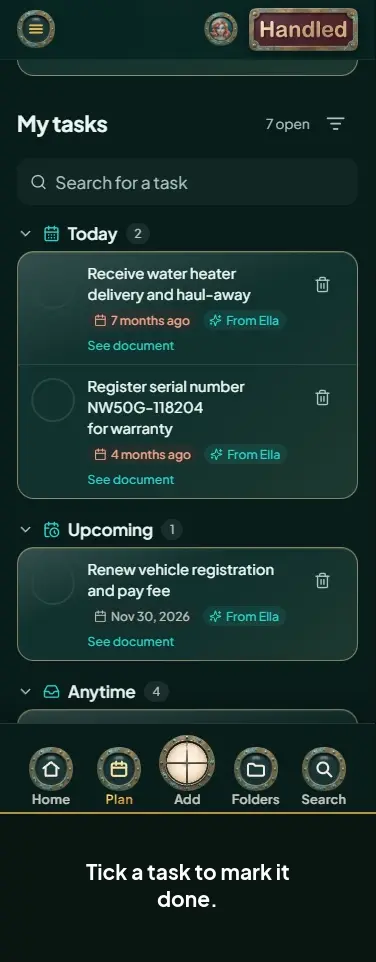
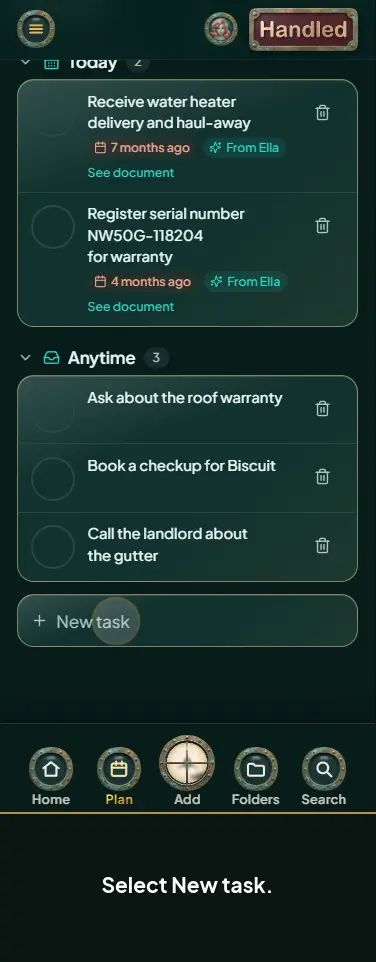
- Add a task. At 6 tasks, a search box appears.
- Type in Search for a task to find one.
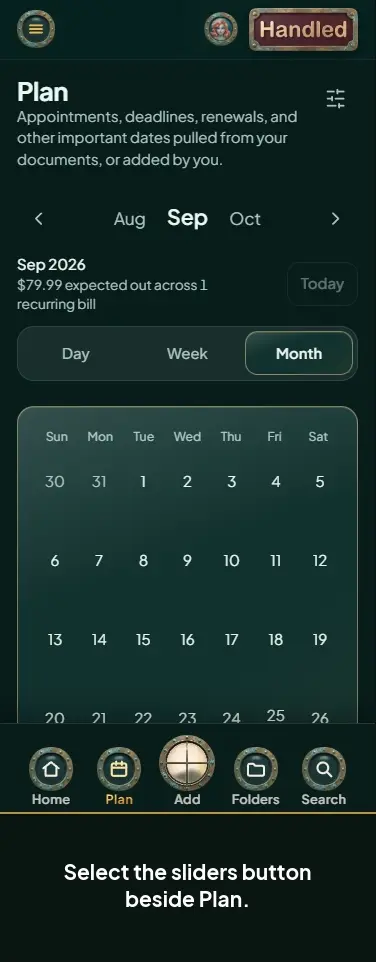
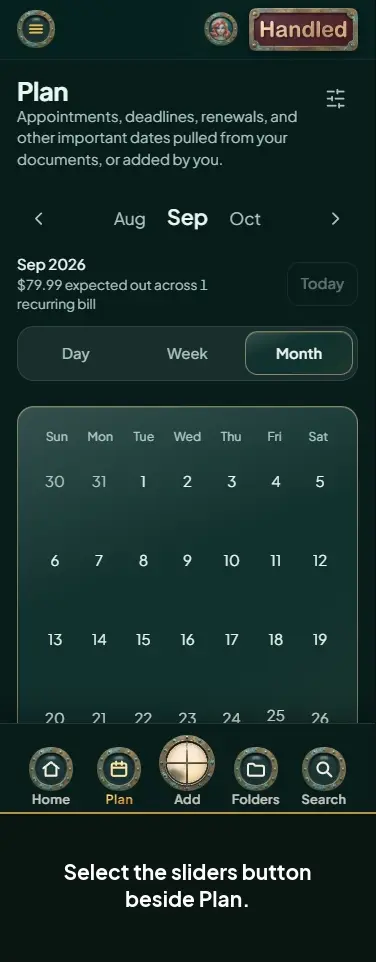
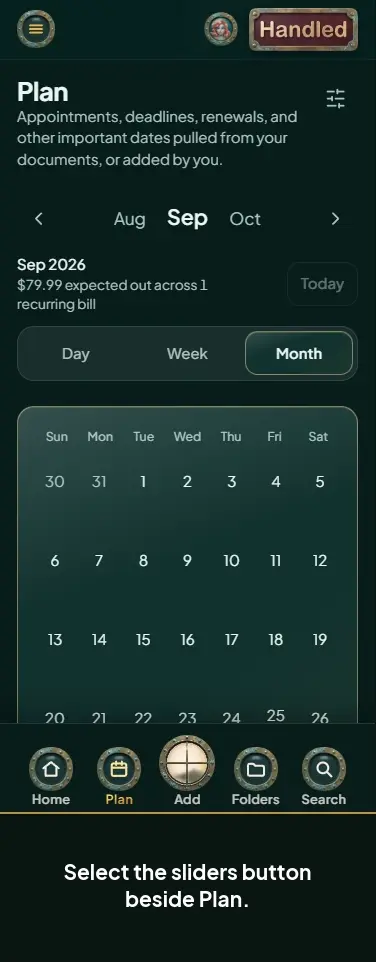
- Select the filter button beside My tasks.
- Select From Ella for Ella's to-dos.
- Select Added by me for the ones you added.
- Select Done. Open the Done group to see them.
- Select All to see everything again.